Server-side uploads
Queue a video once and Pixalera finishes the upload even if you close the tab.
Upload long-form and Shorts on a schedule, keep titles and descriptions searchable, and see which videos bring people back.
Free forever plan · No credit card · Connect YouTube in under a minute
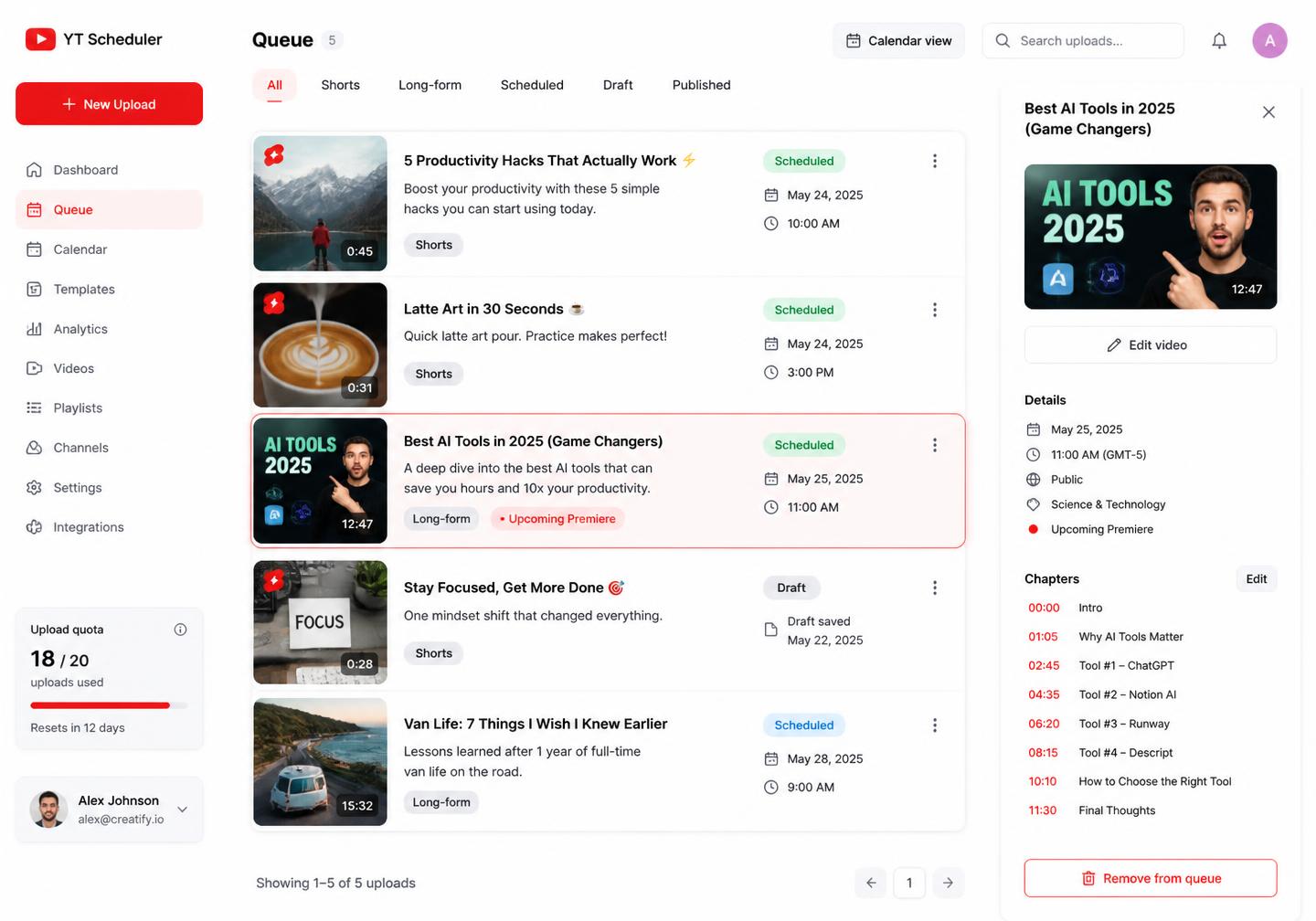
Queue a video once and Pixalera finishes the upload even if you close the tab.
One calendar for both formats so your channel keeps a steady rhythm.
Titles, descriptions, tags and chapters saved as reusable templates.
Watch time and click-through grouped by topic, not just by date.
One tool, endless possibilities
Publish
Set publish time, visibility and playlists up front, then let the queue handle the rest.
See plansDiscover
Keyword hints and description templates keep every upload findable months later.
See plansRepurpose
Push a Short to Instagram and other channels from the same draft.
See plansLearn
Compare retention across formats and get a plain-language brief every week.
See plansFrom idea to published
No more drafts scattered across notes apps and chats. Every YouTube post moves through the same clear path, so nothing stalls halfway.
Link your account through the official API in under a minute.
Fill the calendar with drafts, captions and first comments.
Set keyword triggers so replies and DMs run themselves.
Read the weekly brief and double down on what performed.
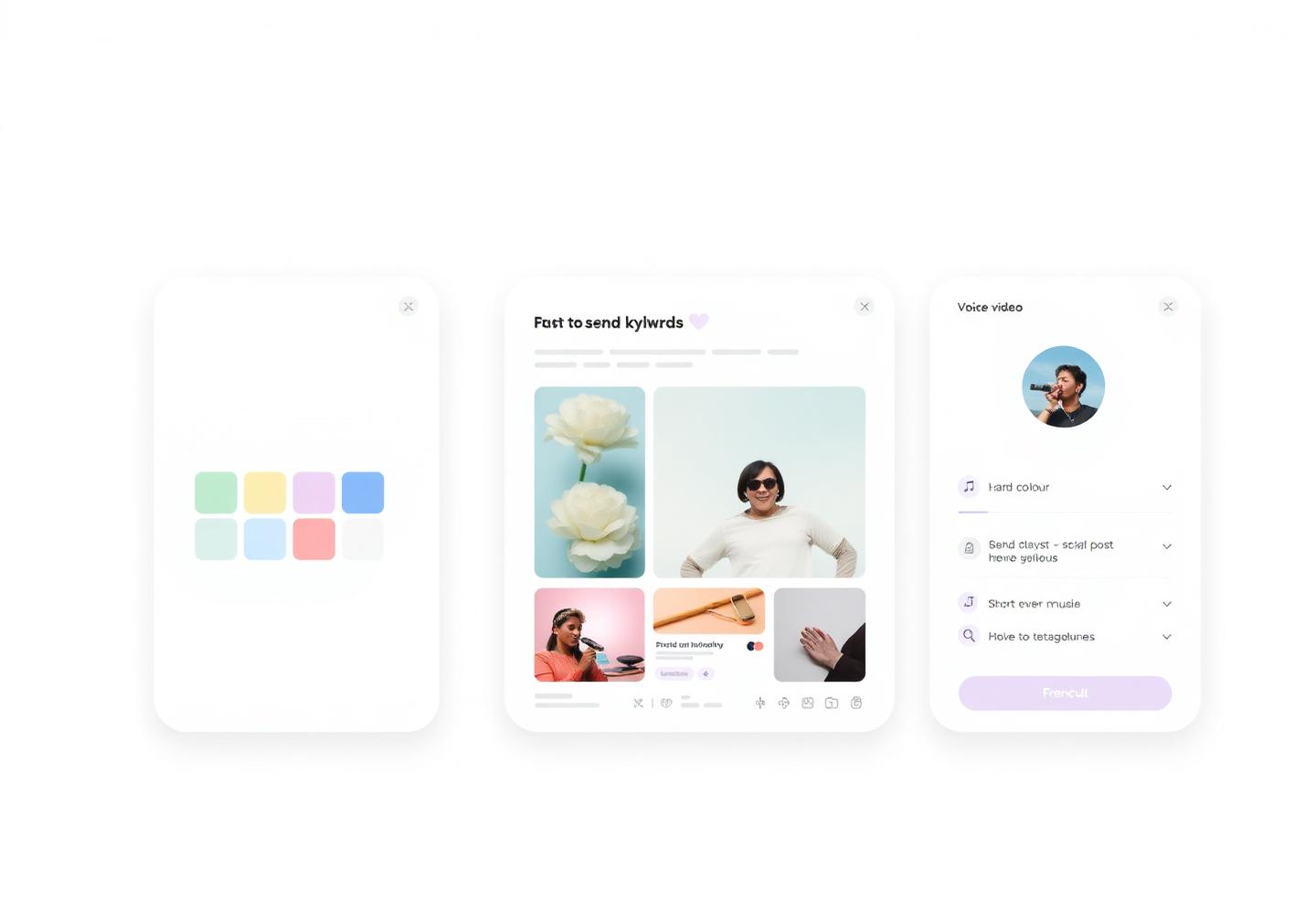
YouTube services
Shorts and long-form uploads, searchable metadata, comment automation and retention reporting — everything your channel gets the moment you connect it.
Vertical video with title, description, hashtags and a scheduled publish time. Uploads run server-side, so a closed laptop never cancels them.
Full uploads with chapters, playlist assignment, category, language and end-screen notes saved as templates.
Attach a custom thumbnail per video and A/B two options before launch day.
Set a video private or unlisted now and flip it public on a schedule for a coordinated launch.
Add each upload to the right series automatically so binge paths build themselves.
Pair a video with cross-posted Shorts, an Instagram reel and an X thread from one draft.
Formats
Shorts, long-form, premieres
Upload
Resumable, server-side
Bulk upload
Up to 100 videos per import
Analytics history
Unlimited on paid plans
Scheduling
Drop dozens of clips into the queue, fill each slot with metadata from a template and let resumable uploads finish in the background.
Search
YouTube is a search engine. Keyword hints score your title and description while you type, so uploads keep surfacing long after launch week.
AI Studio
Generate a title set, a full description, chapter list and a Shorts hook from your script or transcript, in your own channel voice.
Comments
Keyword rules post an instant reply, pin the best comment and route anything human-shaped to your team's inbox.
Repurpose
Push a Short to Instagram reels, TikTok-style feeds, Facebook reels and Pinterest from the same draft, with per-network captions.
Analytics
Watch time, click-through and subscribers gained grouped by topic and format, with a weekly brief on which series to make more of.
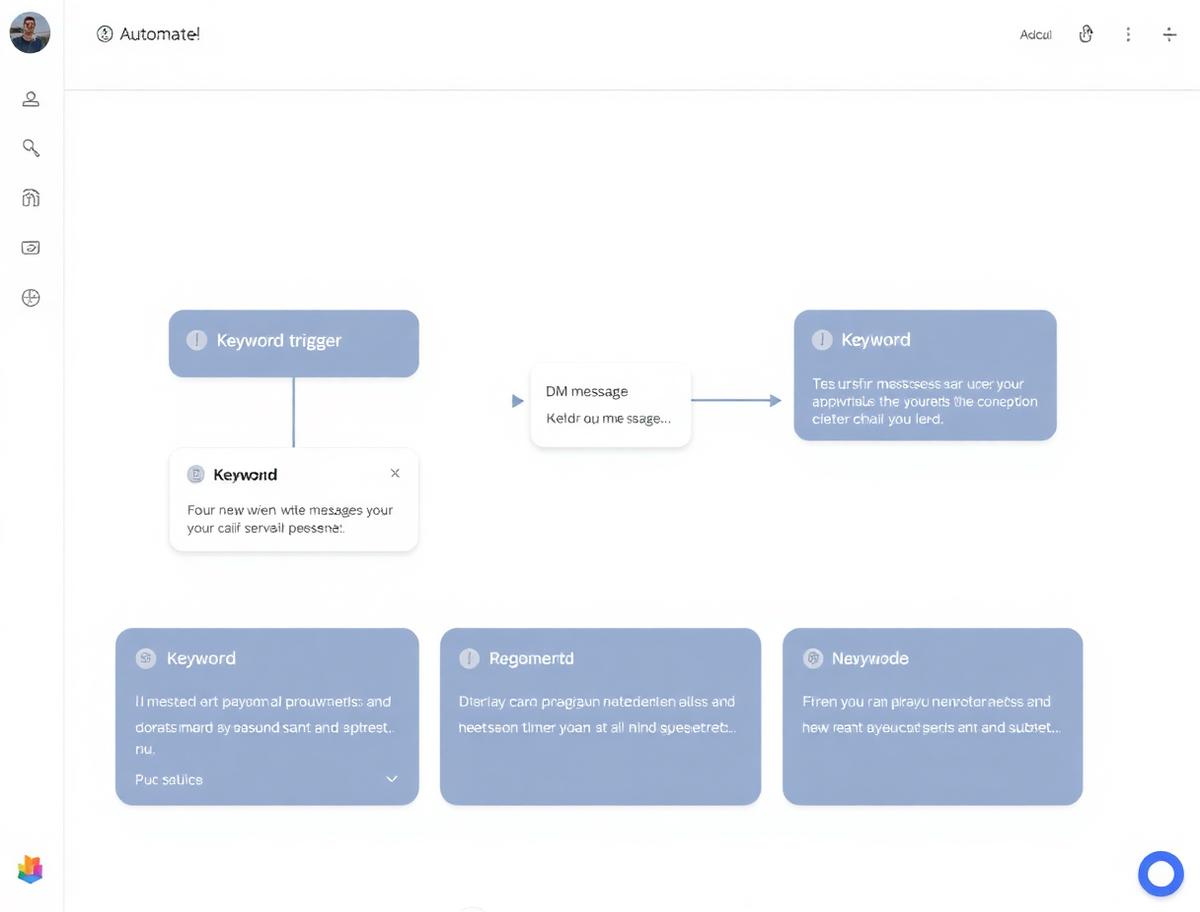
Automation
Everything runs on the official YouTube Data API, so uploads, replies and visibility changes stay inside Google's policies.
Video finishes processing
Publish at the scheduled slot and add it to the series playlist
Launch day runs without you online
Comment contains "LINK"
Reply with the resource link and pin the comment
Viewers find the offer without a pinned-comment chore
New Short published
Cross-post to Instagram, Facebook and Pinterest
Three extra surfaces for zero extra editing
Comment flagged as spam
Hide it and log the account for review
The comment section stays worth reading
Post-to-sale attribution links every sale back to the post that started the conversation — so you can double down on the format that pays instead of guessing from likes.
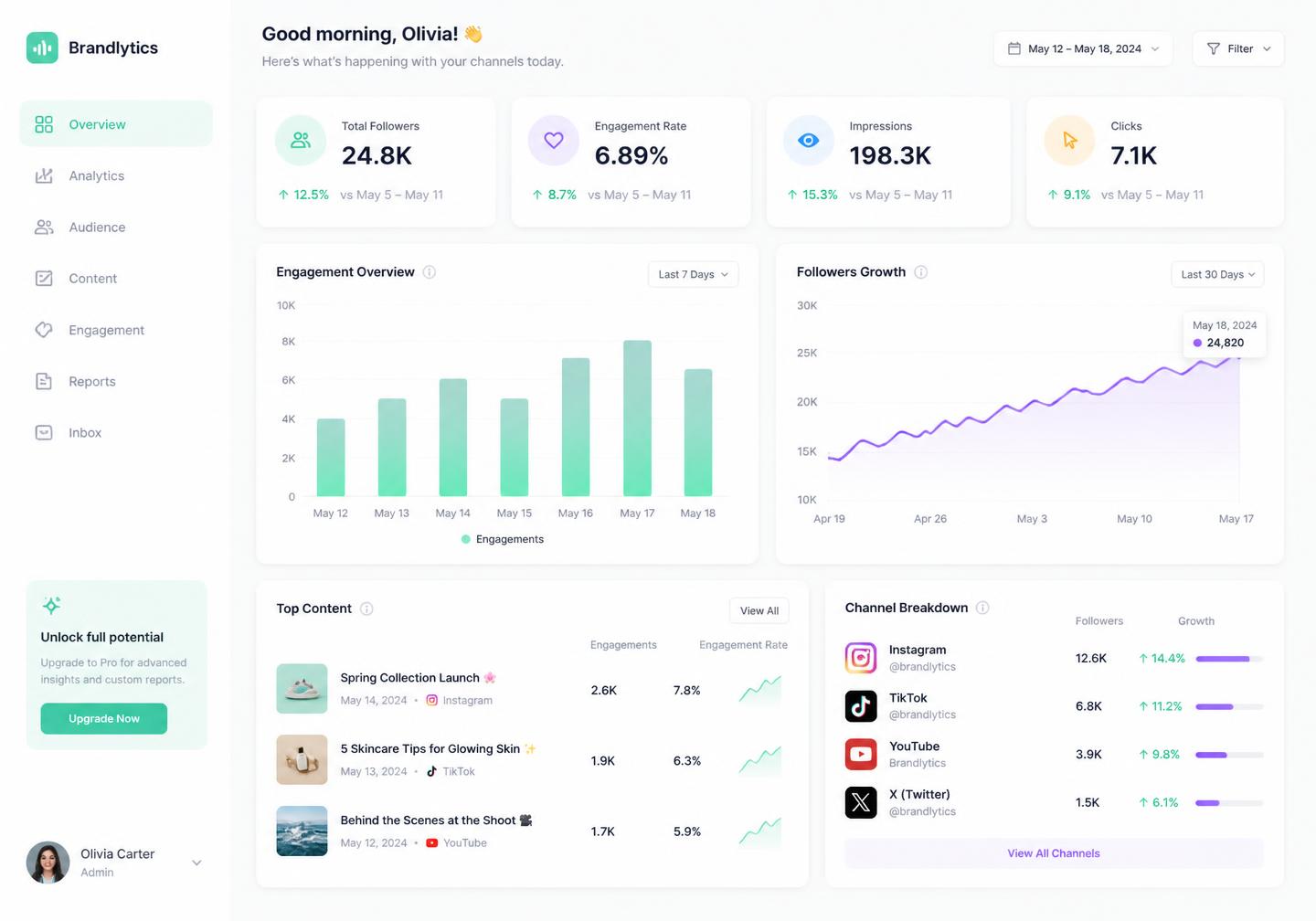
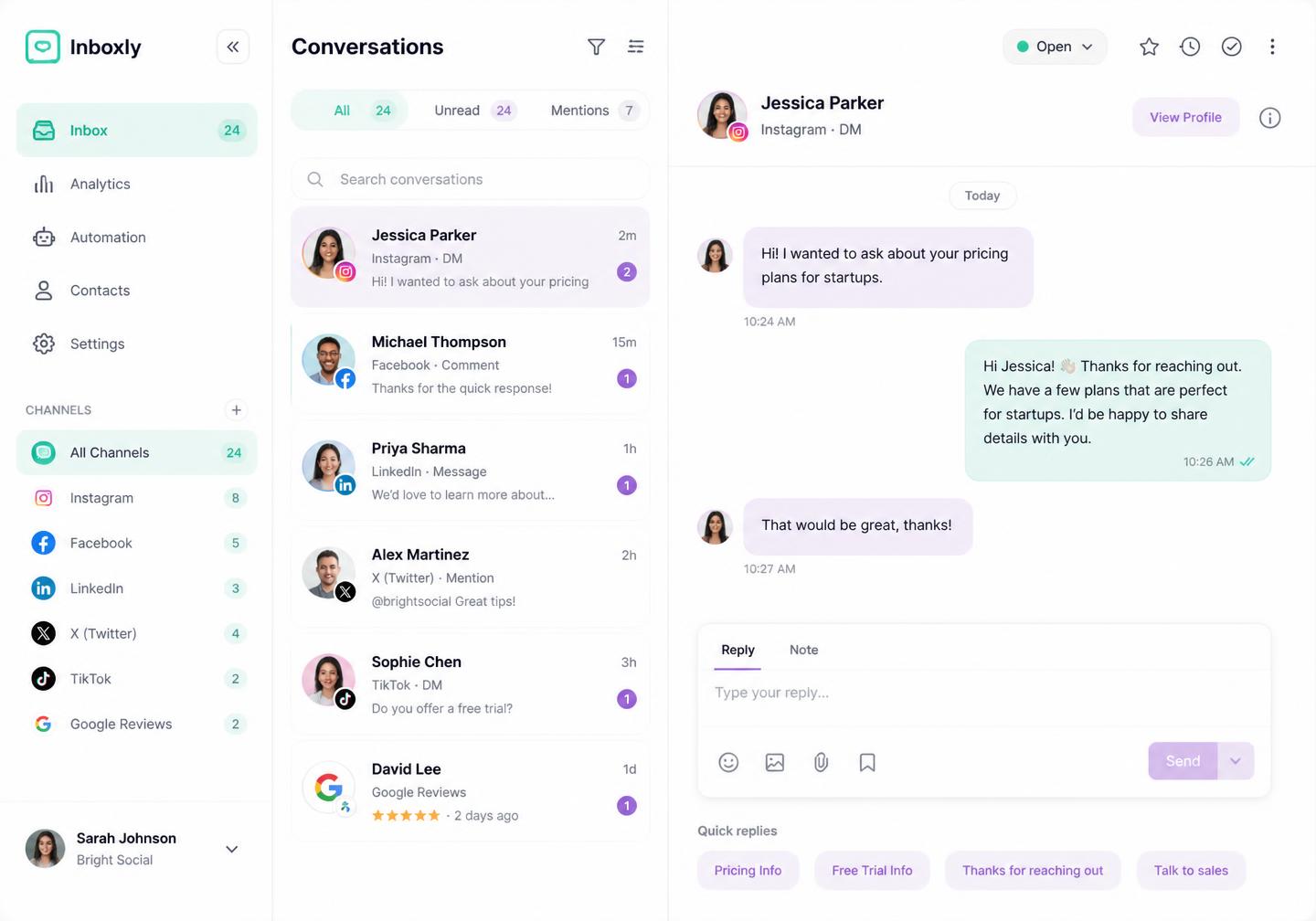
Engage
Comments, mentions and DMs stop living in notifications. Assign them, answer with saved replies and keep a full history against every follower.
One workspace, one subscription — from the free forever plan up to agency workspaces.
10K+
Creators on Pixalera
500K+
AI posts generated
3×
Faster content creation
4.9★
Creator rating
A simpler solution
No more paying for a scheduler, a caption writer, a DM bot and an analytics suite separately.
Replaces Buffer, Hootsuite
₹2,499
Replaces Copy.ai, Jasper
₹2,999
Replaces ManyChat
₹1,499
Replaces Sprout Social
₹7,999
Replaces Intercom, HubSpot
₹3,999
Replaces Apollo, ZoomInfo
₹4,999
Replaces Midjourney, Canva Pro
₹1,999
Replaces TrendTok, VidIQ
₹999
What you'd spend otherwise
₹26,992/mo
Trend finder surfaces the sounds, hashtags and formats climbing in your niche so you post into the wave.
Captions, hooks, thumbnails and graphics generated in the composer, tuned for your audience.
Every Auto DM recipient and local business lead is saved as a contact you can export and follow up.
Posting on YouTube eats my whole morning
Batch a week of content in one sitting, drop it on the calendar and let Pixalera push everything out on schedule.
Comments and DMs pile up unanswered
Every conversation lands in one shared inbox, and Auto-DM replies to keyword comments while you sleep.
I never know what actually worked
Analytics group your posts by format and topic, then summarise what to repeat next week in plain language.
My ideas live in six different notes apps
Park raw thoughts on the Ideas board, refine them with the AI assistant and promote the best ones to drafts.
4.9/5 from 2,400+ reviews worldwide.
"Pixalera's Auto DM alone saved me 3 hours a week. Every comment keyword gets a reply and the DM converts like crazy."
"Post-to-sale analytics changed how I create. I can see exactly which reel brings me clients — nothing else on the market does this."
"AI image generation plus scheduling together is unbeatable. I post 5× more content now and engagement went through the roof."
Publish on a predictable cadence without upload-day chaos.
Keep series organised with playlists and templates.
Review titles and thumbnails before anything goes live.
Transfers resume automatically instead of starting over.
A filled calendar keeps the algorithm and your audience happy.
Shorts flow into your other channels without re-editing.
Both. Choose the format when you create the draft and schedule it like any other post.
Uploads run on our servers, so a closed laptop or dropped connection does not cancel them.
Yes. Pick private, unlisted or public, and switch visibility on schedule.
Keyword-triggered replies are supported, and every comment lands in the unified inbox.
Connect everything once and publish from a single calendar.
Plan, publish, reply and measure — start free and upgrade only when you need more channels.
Get started for freeOfficial API Cancel anytime Made for creators