Connect in one click
Official OAuth for Instagram, Facebook, LinkedIn, X, YouTube, TikTok, Pinterest, Threads and Google Business Profile.
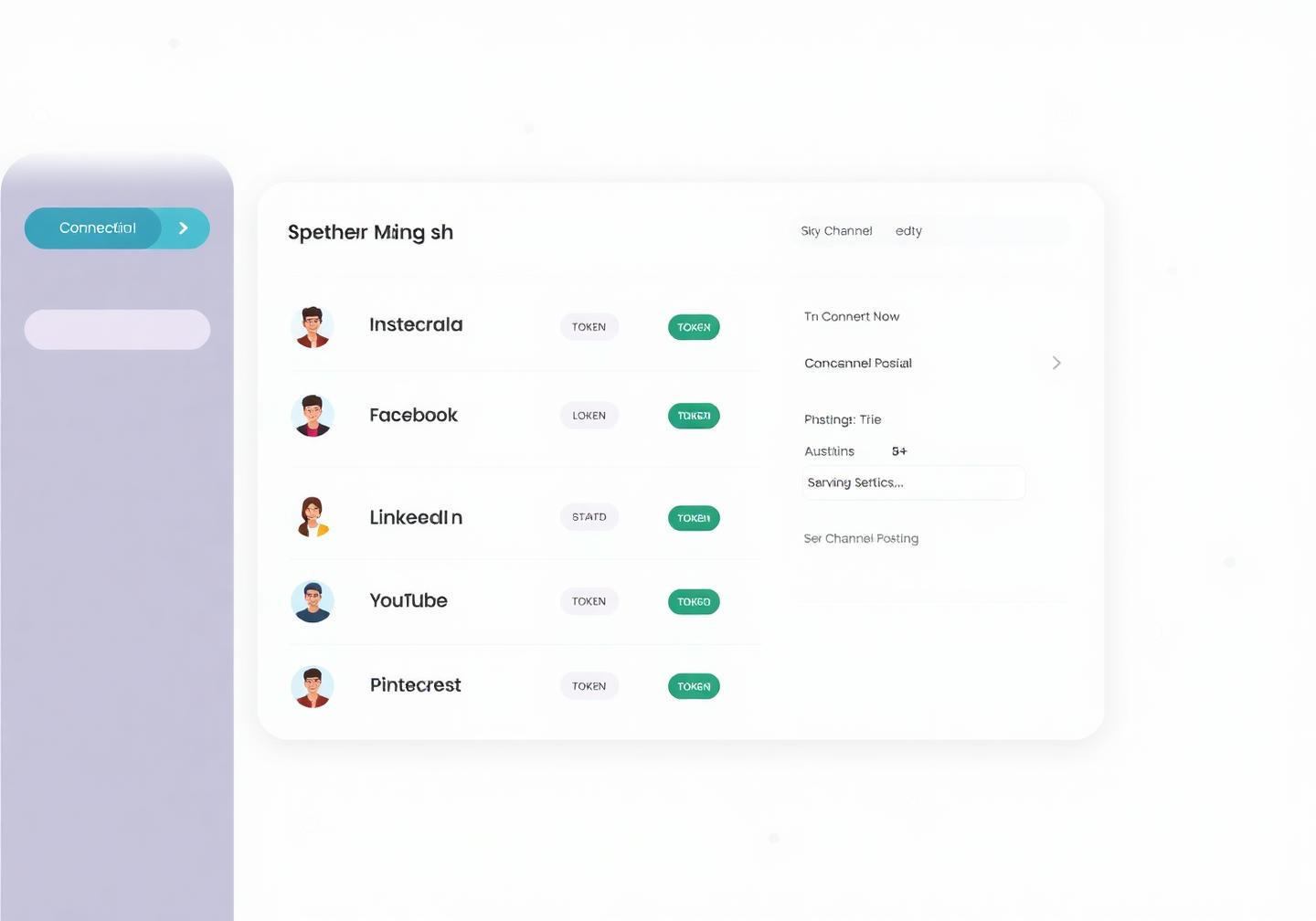
Connect each social account once through its official login, group them by brand or client, and manage posting rules, permissions and connection health from a single screen — instead of juggling nine logins and hoping nothing silently disconnected.
Official platform APIs · No password sharing · Reconnect in one click
9+
Networks supported from one workspace
60s
Average time to connect your first account
0
Passwords shared — every connection is OAuth
Alerts
Get warned before a token expires and posts fail
Account management without the mess
Broken tokens, wrong account posting, ex-employees with access — most social disasters start here. Channels makes connections visible, permissioned and easy to fix.
Official OAuth for Instagram, Facebook, LinkedIn, X, YouTube, TikTok, Pinterest, Threads and Google Business Profile.
We warn you by email before a token expires, so a scheduled campaign never fails silently overnight.
Timezone-aware posting schedules, daily posting goals, queue slots, default hashtags, signatures, link shorteners and approval rules for each account.
Bundle accounts by brand or client and decide who can draft, approve or publish on each one.
How it works
Pick the network and sign in with its own secure login screen — we never see your password.
Choose the posting window, default hashtags, signature and whether posts need approval.
Organise accounts by brand or client and invite teammates with the right permission level.
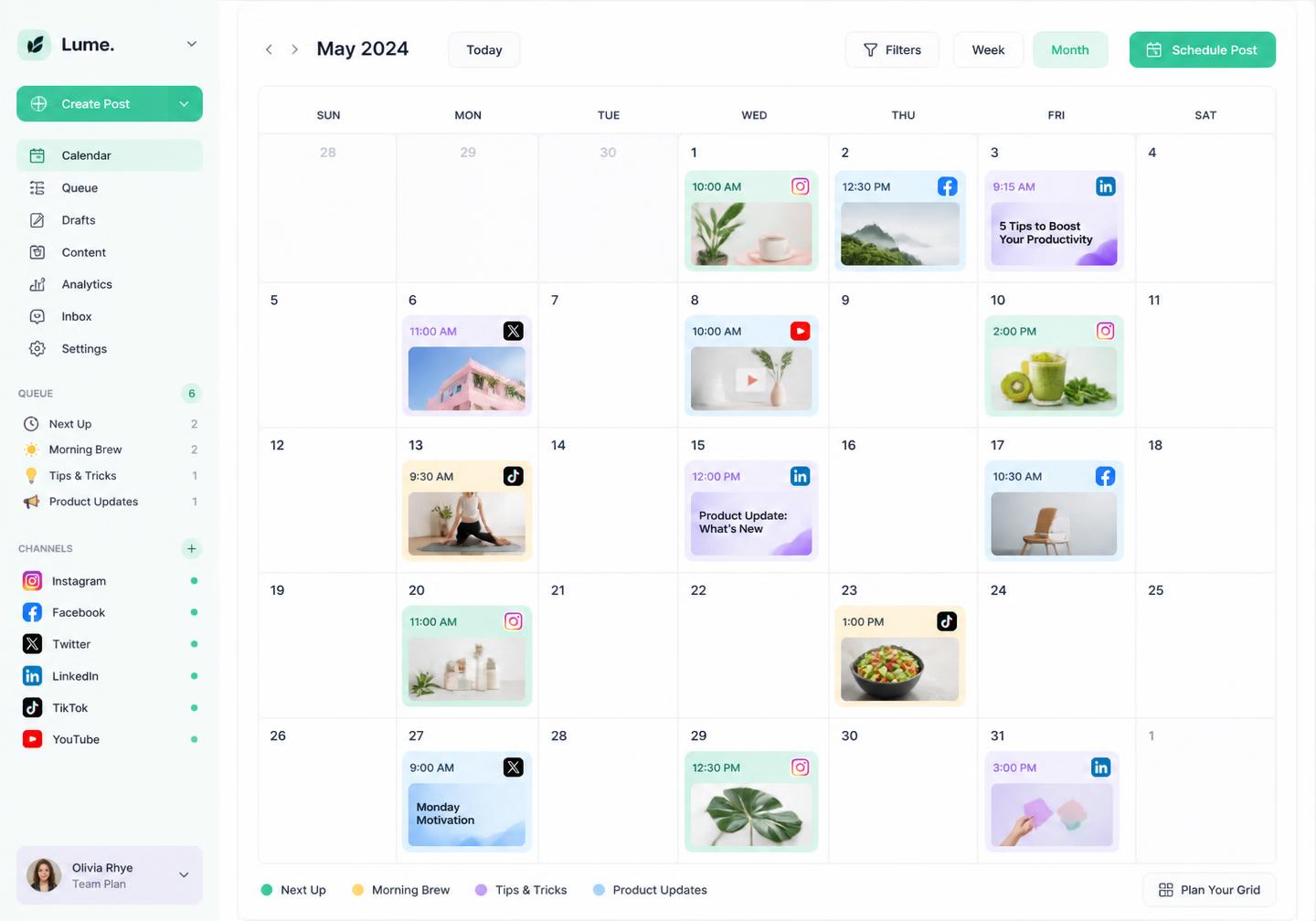
Select channels in the composer and let Pixalera tailor and deliver each post correctly.
One source of truth
A single dashboard shows every account, who owns it, when it was last refreshed and whether its permissions still allow publishing — so problems surface before your client notices a missed post.
Whether you run one brand or forty client accounts, Channels keeps connections, rules and access tidy as you scale.
Every connection uses the platform's own permission screen — no password sharing, no risky workarounds.
Grant and revoke teammate access per channel, and remove a client's accounts the day the contract ends.
Health checks and reconnect prompts catch expired tokens before your schedule breaks.
Instagram professional accounts, Facebook Pages, YouTube channels, Threads, Bluesky, Pinterest, LinkedIn personal profiles and X (Twitter, on the Pro plan) can be connected and published to today. TikTok, LinkedIn Company Pages and Google Business Profile are on the roadmap.
No. Every account connects through the network's own OAuth login screen. Pixalera receives a permission token you can revoke at any time.
For Instagram you need a professional (Business or Creator) account linked to a Facebook Page. Most other networks work with standard pages or profiles.
Platforms expire access tokens periodically or when you change a password or permission. Pixalera emails you before expiry and reconnecting takes one click without losing your queue.
Yes. Group channels per client, set who can draft, approve or publish for each group, and keep reporting separate.
Disconnect their channels instantly. Their content history and reports stay in your workspace, but Pixalera loses all access to their accounts.
Publishing works for Instagram, Facebook, YouTube, Threads, Bluesky, Pinterest, LinkedIn (personal profiles) and X (Twitter, on the Pro plan). Auto-DM and comment automation cover Instagram and Facebook, and the unified inbox also pulls in YouTube comments. TikTok and LinkedIn Company Pages are on the roadmap.
Yes, and it is free forever: 1 connected channel, 3 scheduled posts a month, 25 Auto-DM sends and 10 AI credits — no credit card required. Paid plans start at ₹499/month ($5.22).
UPI, all major debit and credit cards, net banking and wallets, processed securely through Razorpay. Monthly renewals use an AutoPay mandate you can cancel any time.
Yes. Pixalera connects only through the official platform APIs (Meta, YouTube and others) using their own permission screens — never your password — and respects each platform's rate limits, including one automated Instagram DM per person per 24 hours.
Zero. Pixalera charges 0% platform fee on every store sale on all plans — you keep what you earn. Only the standard payment-gateway charges from Razorpay apply to each transaction.
Connect your first channel in about a minute and manage the rest of your social stack from one screen.
Get started for freeNo credit card required