Kanban board
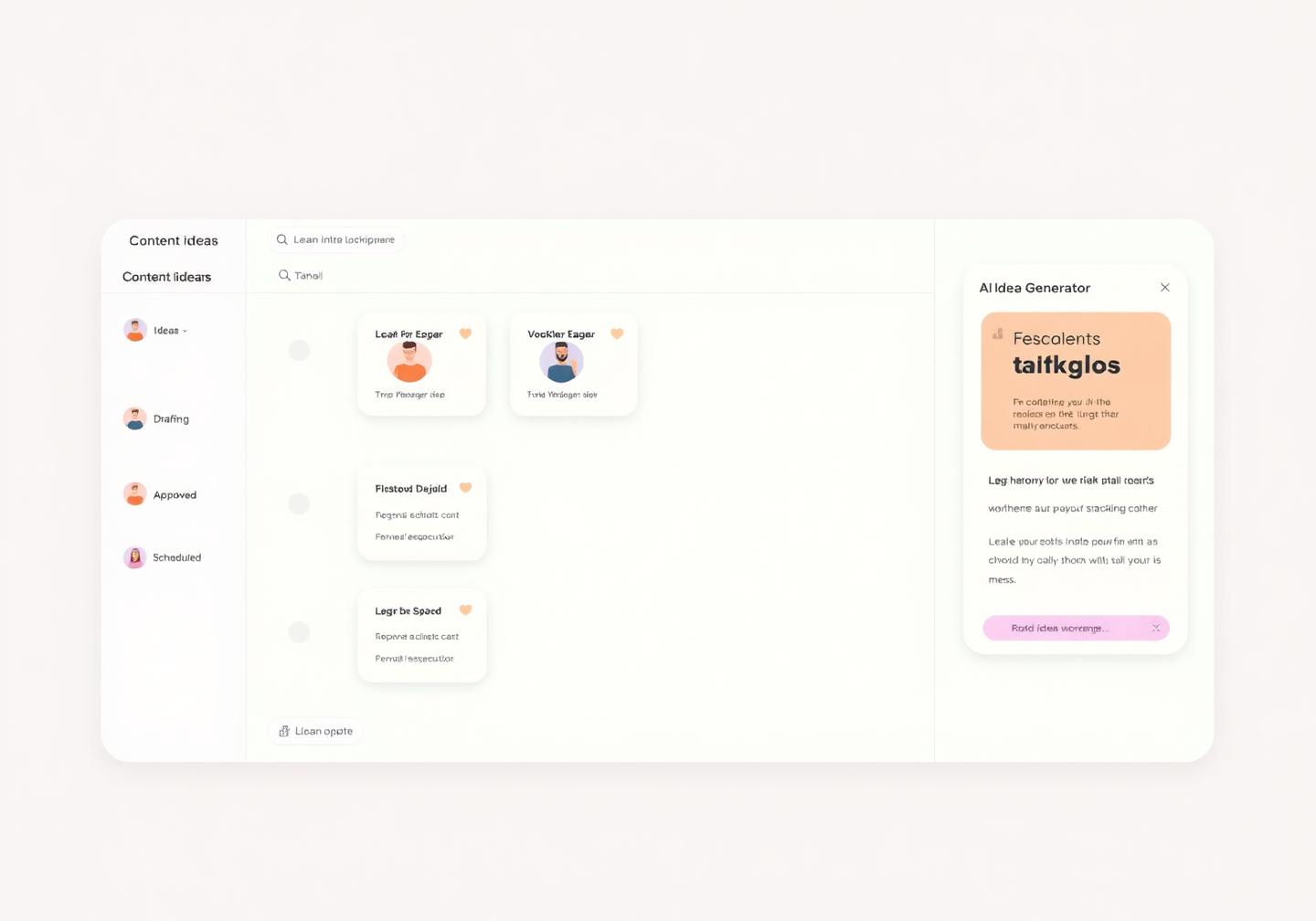
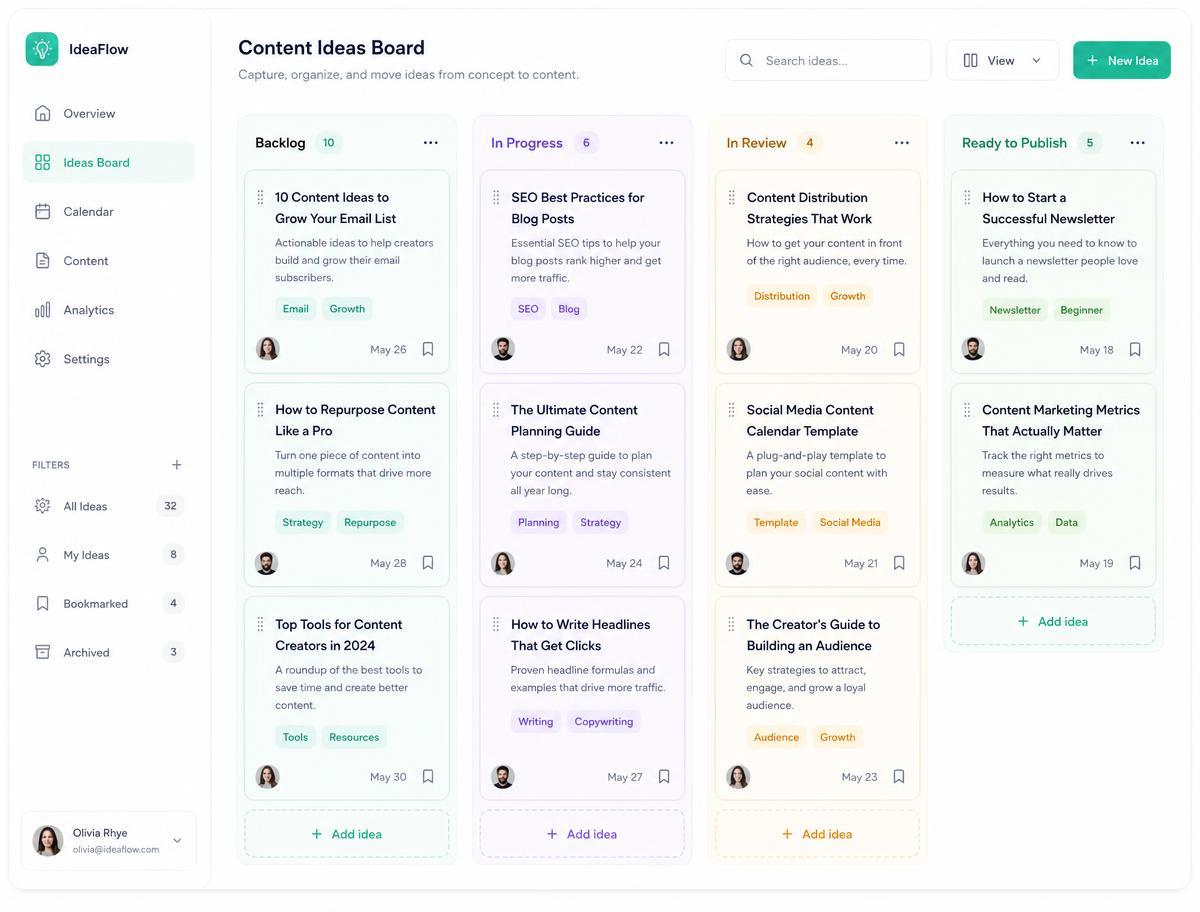
Drag ideas from Idea to Drafting, Approved and Scheduled so everyone can see what's actually coming next.
Ideas is the scratchpad between inspiration and publishing. Save hooks, links, screenshots and voice notes the moment they hit you, shape them on a kanban board with your team, then push the approved ones straight into the composer.
Unlimited ideas on paid plans · Board and grid views · Team approvals
0
Ideas lost in notes apps, DMs and screenshots
4
Stages from raw idea to scheduled post
2 views
Kanban board or visual grid, your choice
1 click
Turn an approved idea into a scheduled post
Your content pipeline, visible
Great posts rarely start in the composer — they start as a half-thought at 11pm. Ideas gives that thought a home, a status and an owner, so your calendar is filled by a process instead of panic.
Drag ideas from Idea to Drafting, Approved and Scheduled so everyone can see what's actually coming next.
Stuck? Generate hooks, angles and series ideas from your niche, past winners or a single keyword.
Group ideas by pillar, client, campaign or platform and filter the board down to what matters today.
Drop images, clips, links and reference posts onto the card so the draft has everything it needs.
How it works
Save an idea in seconds from the web app or mobile — text, link, screenshot or reference reel.
Write the hook and caption, attach media, and let AI expand or rewrite it in your tone.
Assign an owner, leave comments, and move the card to Approved when the client signs off.
Send the approved idea into the composer, tailor it per network and drop it in the queue.
Built for teams and clients
No more chasing approvals over WhatsApp. Every idea has a status, an owner and a comment thread, so writers, designers and clients always know what's waiting on them.
Ideas connects the messy creative part of social media to the disciplined publishing part, without a second project-management tool.
An approved idea becomes a scheduled post without copy-pasting between tools.
Writers, designers, managers and clients each get the view and permissions they need.
Every hook, screenshot and link stays searchable, so old ideas can be reused when the calendar is thin.
It's a content scratchpad and pipeline board. You capture ideas as cards, develop them into drafts, get them approved and then schedule the winners — all inside Pixalera.
Ideas is built for social content: cards hold captions, media and per-network variants, and an approved card turns into a scheduled post in one click instead of being retyped.
Yes. The AI idea generator produces hooks, angles and content series based on your niche, keywords or your best performing past posts.
Yes. Assign an owner, share the board, collect comments and only move a card to Scheduled once it's approved.
Switch to grid view to see planned visuals side by side and rearrange them before anything is published.
No. Everything stays searchable, so a hook you saved three months ago is one search away when you need to fill a slot.
Publishing works for Instagram, Facebook, YouTube, Threads, Bluesky, Pinterest, LinkedIn (personal profiles) and X (Twitter, on the Pro plan). Auto-DM and comment automation cover Instagram and Facebook, and the unified inbox also pulls in YouTube comments. TikTok and LinkedIn Company Pages are on the roadmap.
Yes, and it is free forever: 1 connected channel, 3 scheduled posts a month, 25 Auto-DM sends and 10 AI credits — no credit card required. Paid plans start at ₹499/month ($5.22).
UPI, all major debit and credit cards, net banking and wallets, processed securely through Razorpay. Monthly renewals use an AutoPay mandate you can cancel any time.
Yes. Pixalera connects only through the official platform APIs (Meta, YouTube and others) using their own permission screens — never your password — and respects each platform's rate limits, including one automated Instagram DM per person per 24 hours.
Zero. Pixalera charges 0% platform fee on every store sale on all plans — you keep what you earn. Only the standard payment-gateway charges from Razorpay apply to each transaction.
Start a board free, capture your next ten ideas today, and never open the composer with nothing to say again.
Get started for freeNo credit card required