Pixalera

Free AI prompts, ready to copy

Pixalera Prompt Library

Pixalera prompts ka curated collection — trending AI photo editing prompts aur viral video prompts. Search karo, preview karo aur ek click me copy karke apne favourite AI tool me use karo.

42 prompts
Navratri / Durga Puja — Cinematic Dhunuchi Reel — Pixalera video promptVideo Prompt

Navratri / Durga Puja — Cinematic Dhunuchi Reel

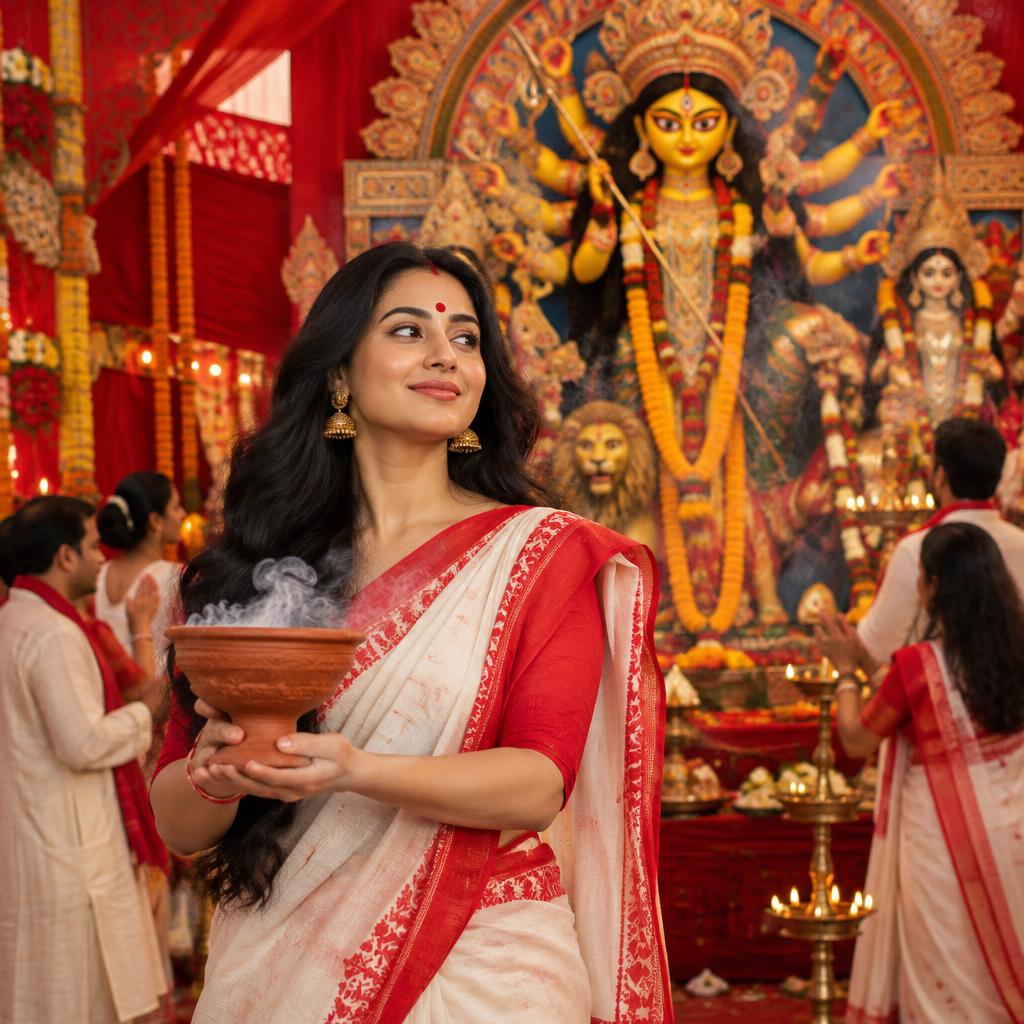
Festival & reference This reference depicts Bengali Durga Puja celebrations during the Navratri season: a red-and-white saree, Durga pandal, dhak drums and dhunuchi dance. Keep that cultural setting; do not mix it with Gujarati garba or dandiya. This is an inspired recreation guide, not a claim of guaranteed virality or a tested model result. Target edit: 25 seconds, vertical 9:16. 1. Character sheet generation prompt Using [CONSENTED ADULT PORTRAIT] as the identity reference, create a clean six-view character reference sheet on a neutral background: front full-body, left three-quarter, right profile, back full-body, face close-up and hands holding an unlit terracotta dhunuchi bowl. Keep the same adult Bengali woman in every view: natural face, long loose black hair, red bindi, gold jhumka earrings, bangles, red blouse and traditional white saree with red border. Preserve the supplied face and realistic body proportions. Use even studio lighting, consistent saree drape and accurate hands. No text, watermark, extra limbs or duplicated accessories. If no portrait is supplied, create one original fictional adult character and reuse that character throughout. 2. Video master prompt Create a cinematic Bengali Durga Puja festival sequence using [CHARACTER SHEET] as the main identity reference and [APPROVED DURGA PANDAL REFERENCE] for the setting. Preserve the same face, hairstyle, red bindi, jewelry, blouse and saree in every shot. Show a grand traditional Durga idol, marigold garlands, warm lamps, adult devotees, dhak players and gentle incense smoke. The woman performs a respectful controlled dhunuchi dance, keeping the hot bowl safely away from face, hair and clothing. Realistic anatomy and cloth movement, detailed photographic faces, warm festive lighting, vivid red accents and smooth cinematic motion. Do not animate or distort the idol’s facial features or arms. No embedded captions, brand logos or watermarks. Build the following shot list as separate reference-led clips and assemble a 25-second 9:16 edit; do not assume a video model supports one 25-second generation. 3. Shot list — 00:00 to 00:25 01 · 0.00s–1.15s (1.15s): Close-up of flowing hair; gentle lateral camera slide as the woman turns and her face emerges through light smoke. 02 · 1.15s–2.35s (1.20s): Slow pull-back revealing the Durga idol, lamps and decorated pandal. 03 · 2.35s–3.65s (1.30s): Medium locked-off shot of a controlled dhunuchi dance; natural fabric motion. 04 · 3.65s–4.75s (1.10s): Woman’s face and idol’s face in an editorial split-screen composition; keep both unchanged. 05 · 4.75s–5.95s (1.20s): Match-cut close-ups between the woman and idol; no morphing or face blending. 06 · 5.95s–7.10s (1.15s): Close-up of a dhak player striking the drum in a realistic rhythm. 07 · 7.10s–8.35s (1.25s): High-angle view of red flower petals falling around the dancer. 08 · 8.35s–9.60s (1.25s): Side view of a gentle red powder haze in the background; do not obscure breathing or eyes. 09 · 9.60s–10.90s (1.30s): Slow push-in as incense smoke clears to reveal her expression. 10 · 10.90s–12.50s (1.60s): Medium shot through adult devotees; the woman dances in a clear safe space. 11 · 12.50s–14.00s (1.50s): Tilt from bangles and dhunuchi upward to saree and face; stable bowl and accurate fingers. 12 · 14.00s–16.00s (2.00s): Slow-motion gentle head turn with flowing hair safely separated from the incense bowl. 13 · 16.00s–18.50s (2.50s): Smooth backward tracking as the woman walks toward camera with the pandal behind. 14 · 18.50s–22.00s (3.50s): Beat-matched montage of bangles, drum, petals, lamps and idol details, using already generated clips. 15 · 22.00s–25.00s (3.00s): Final wide hero frame: the woman centered before the Durga idol, petals drifting, camera settles to a held ending. 4. Per-clip generation instruction For each shot, attach the same character sheet and use this template: Animate [SHOT NUMBER AND ACTION] from the supplied reference. Camera: [ONE CAMERA MOVE FROM THE SHOT LIST]. Keep the woman’s face, hair, jewelry, saree colors, body proportions and pandal layout unchanged. Maintain realistic hands and stable props. Single continuous shot, no scene cuts unless the shot is explicitly an editor-built montage. End on [HELD FRAME OR MATCHING MOVEMENT]. Audio: natural festival ambience and dhak percussion; no dialogue, no commercial song, no captions or on-screen text. Generate within the selected tool’s supported duration and trim to the shot’s edit length. Reference-image support, sound and available lengths depend on the selected video tool. The supplied screenshot names Seedance 2.5; this guide does not verify its availability. 5. Assembly & editing Generate and approve the character sheet first. Create one approved hero still, then use the same sheet and still across shots. Generate clips one at a time, checking the face, hands, outfit, incense bowl and idol before continuing. Trim the clips to the timing plan in Premiere Pro, DaVinci Resolve or your editor. Build split-screen and match cuts in the editor instead of asking a model to morph faces. Add licensed dhak music or your own recording, gentle ambient crowd sound and restrained transitions. Match exposure and color across shots; export a 25-second vertical 1080 × 1920 video. Check reference-upload limits and supported clip lengths before generation. Reject identity drift, warped idol details, unsafe bowl placement or extra fingers. 6. Caption & publishing Caption idea: Dhak ki dhun, laal-safed rang aur Maa Durga ka utsav. ✨ A cinematic Durga Puja moment, created with AI. Shubho Pujo! Suggested tags: #DurgaPuja #Navratri #DhunuchiDance #ShubhoPujo #AICreative Disclose that the visual is AI-generated. Use only portraits you have permission to use and licensed audio. Upload the finished reel to Pixalera for scheduling; this prompt entry includes a generated cover, not a rendered video.
#festival#navratri#durga-puja
Skincare Brand — Shop-Ready Hero — Pixalera photo promptPhoto Prompt

Skincare Brand — Shop-Ready Hero

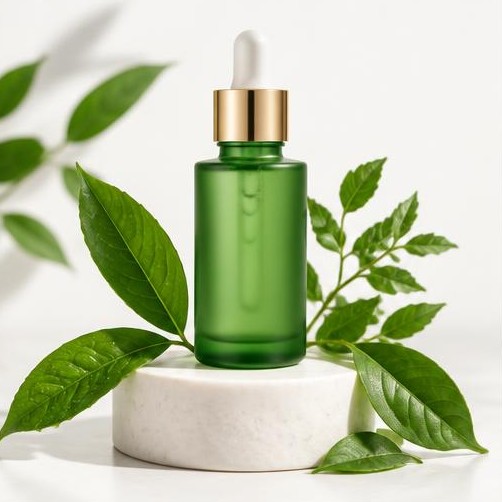
Using [PRODUCT PHOTO] as the reference, create a clean skincare campaign photograph for [BRAND]. Keep the bottle shape, label and color unchanged. Place it on a white stone pedestal with fresh green leaves and soft daylight; realistic reflections, sharp product detail, generous negative space at the top. No added claims, badges or text. Compose in 4:5 for Instagram and leave crop-safe margins for a Link in Bio shop thumbnail. Deliver the image plus a short caption inviting visitors to view the product through the bio link.

#skincare#ecommerce#link-in-bio
Handmade Jewelry — Collection Launch — Pixalera photo promptPhoto Prompt

Handmade Jewelry — Collection Launch

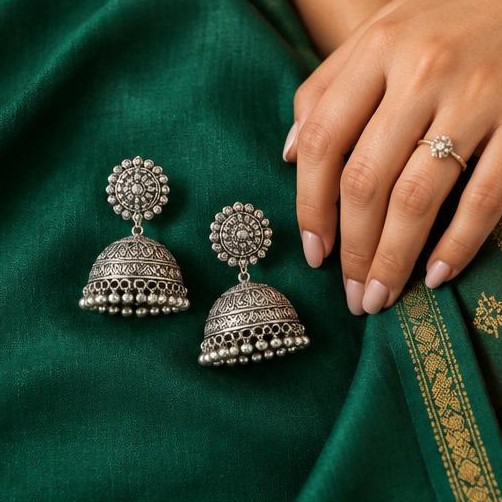
Photograph [JEWELRY ITEM] from the supplied product reference on deep emerald fabric, with one adult hand showing realistic scale. Preserve every stone, clasp and metal finish. Use macro detail, soft side lighting and a refined handmade aesthetic. Vertical 4:5, keep the complete item visible. No invented price or certification. Supply a caption announcing [COLLECTION NAME] with a natural invitation to comment JEWEL for the collection link, suitable for a Pixalera keyword Auto-DM campaign.

#jewelry#small-business#product-launch
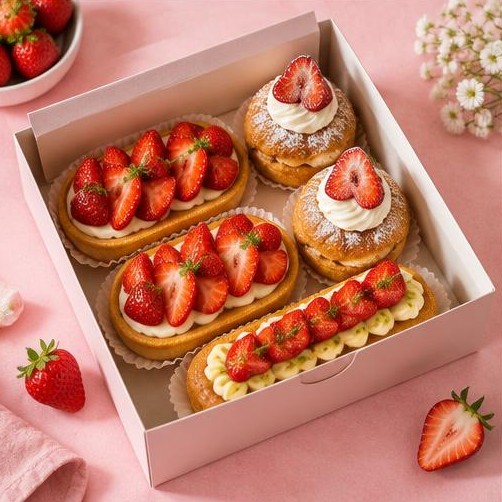
Bakery — Weekend Preorder Post — Pixalera photo promptPhoto Prompt

Bakery — Weekend Preorder Post

Create an appetizing editorial photo of [PASTRY OR CAKE] in a pastel takeaway box on a pink bakery counter. Use the supplied food reference, keep portion size and ingredients accurate, natural window light, visible texture and realistic styling. Compose 4:5 with clear space for a preorder deadline added later. No invented discounts. Include a friendly caption with placeholders for [CITY], [PREORDER DEADLINE] and [ORDER LINK], ready to schedule with Pixalera.

#bakery#local-business#scheduling
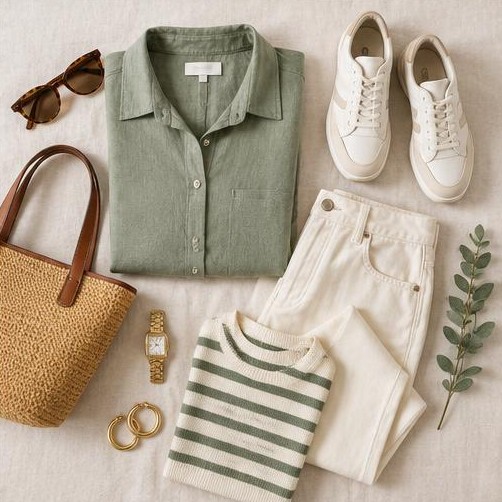
Boutique — Capsule Wardrobe Flat Lay — Pixalera photo promptPhoto Prompt

Boutique — Capsule Wardrobe Flat Lay

Create an overhead flat lay using [UPLOADED CLOTHING PHOTOS]: a sage linen shirt, coordinating trousers, sneakers and simple accessories on a clean background. Preserve the actual garments, textures and colors; do not invent logos. Make the arrangement balanced with each item fully visible, bright diffuse light and a 4:5 composition. Include a concise styling caption directing visitors to the outfit collection on the Link in Bio page; do not promise stock availability.

#fashion#boutique#link-in-bio
Coach — Consultation Profile Portrait — Pixalera photo promptPhoto Prompt

Coach — Consultation Profile Portrait

Using [PORTRAIT] with the subject’s permission, create a natural personal-brand portrait of an adult business coach in a bright workspace, wearing a teal blazer and looking warmly at the camera. Preserve identity and realistic skin texture. Soft daylight, subtle desk props, no fabricated certificates or client logos. Frame 4:5 with room for a circular profile crop. Include a caption introducing [COACHING SPECIALTY] and inviting visitors to book through the bio link, without guaranteed outcome claims.

#coach#personal-brand#booking
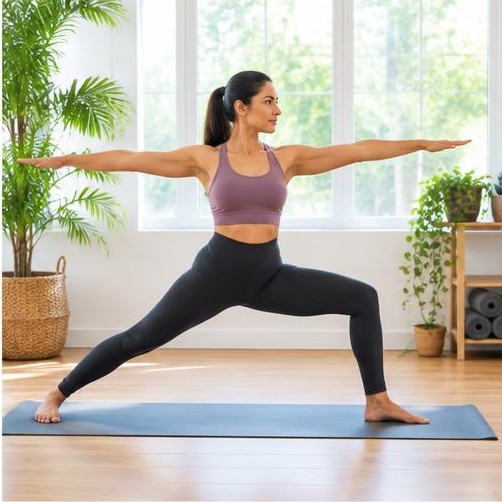
Yoga Instructor — Class Announcement — Pixalera photo promptPhoto Prompt

Yoga Instructor — Class Announcement

Create a daylight studio campaign photo of an adult yoga instructor demonstrating a safe warrior pose on a mat, with plants and uncluttered windows. Preserve the supplied person’s identity when a reference is provided. Accurate anatomy, natural skin texture, no body transformation or health claims. Vertical 4:5 with copy-safe upper margin. Include a class announcement caption with [CLASS DATE], [LOCATION] and [BOOKING LINK] placeholders, suitable for a scheduled Instagram post.

#fitness#wellness#scheduling
Educator — Free Workbook Lead Magnet — Pixalera photo promptPhoto Prompt

Educator — Free Workbook Lead Magnet

Create a realistic photograph of an adult educator recording a lesson at a bright desk, with a small camera, laptop and an open workbook. Use blank or abstract workbook pages rather than invented legible text. Approachable expression, authentic workspace, soft daylight and 4:5 framing. Pair with a caption offering [WORKBOOK TOPIC] and asking viewers to comment NOTES to receive the link through Pixalera Auto-DM. Do not invent student testimonials or results.

#education#lead-magnet#auto-dm
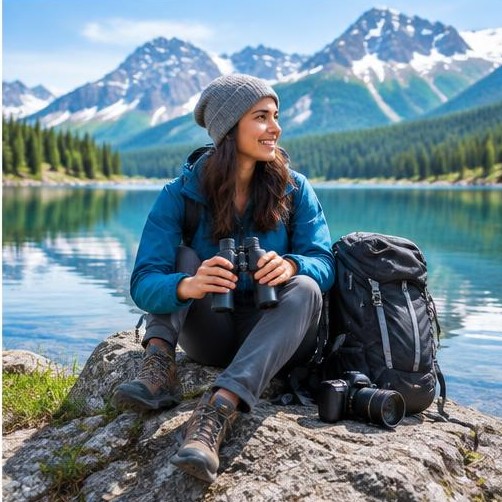
Travel Creator — Itinerary Cover — Pixalera photo promptPhoto Prompt

Travel Creator — Itinerary Cover

Create a premium travel-guide cover photograph of an adult creator beside a clear mountain lake with a camera backpack. If supplied, preserve the actual destination reference rather than inventing location details. Sharp scenery, bright natural light, realistic outdoor clothing, vertical 4:5 with space for a title added separately. Include a caption offering [DESTINATION] itinerary through the bio link, with no unsupported travel safety or price claims.

#travel#digital-products#link-in-bio
Salon — Appointment Campaign — Pixalera photo promptPhoto Prompt

Salon — Appointment Campaign

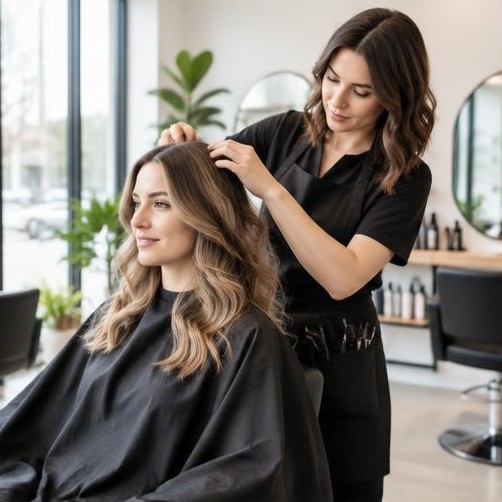
Create a polished editorial image of an adult stylist arranging an adult client’s hair in a clean daylight salon. Use [SALON REFERENCE] for the decor and preserve identities when provided with consent. Natural hair texture, accurate hands, no fake before-and-after results. Compose 4:5 with unobstructed faces. Write a friendly booking caption with placeholders for [SERVICE], [CITY] and [BOOKING LINK], ready for Pixalera scheduling.

#salon#local-business#booking
Cafe — Neighborhood Menu Feature — Pixalera photo promptPhoto Prompt

Cafe — Neighborhood Menu Feature

Create a warm realistic photograph of a cafe owner handing a ceramic latte across a mint counter. Use [CAFE PHOTO] and [MENU ITEM] to keep the setting and product accurate. Natural smiles, clear coffee detail, daylight, no invented signage. Frame 4:5. Include a caption highlighting the menu item with [CITY] and [OPENING HOURS] placeholders and an invitation to view the menu through the Link in Bio page.

#cafe#food#local-business
Agency — Product Shoot Behind the Scenes — Pixalera video promptVideo Prompt

Agency — Product Shoot Behind the Scenes

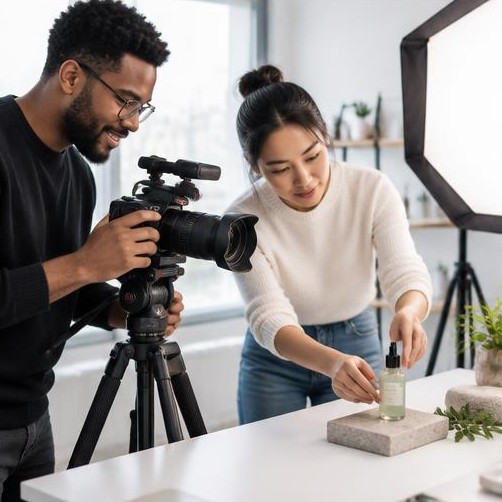
Create a 12-second vertical 9:16 behind-the-scenes reel for a creative agency. 0–3s: wide view of two adult creators preparing a skincare product shoot. 3–7s: close-up of light adjustment and camera framing. 7–10s: reveal the finished product composition matching [PRODUCT REFERENCE]. 10–12s: clean still frame for an editor-added CTA. Natural studio light, stable product identity, no invented brand logos. Provide a separate caption inviting visitors to view [PORTFOLIO LINK] in bio; no fabricated client results.

#agency#behind-the-scenes#ai-studio
Digital Artist — Sketch to Download — Pixalera video promptVideo Prompt

Digital Artist — Sketch to Download

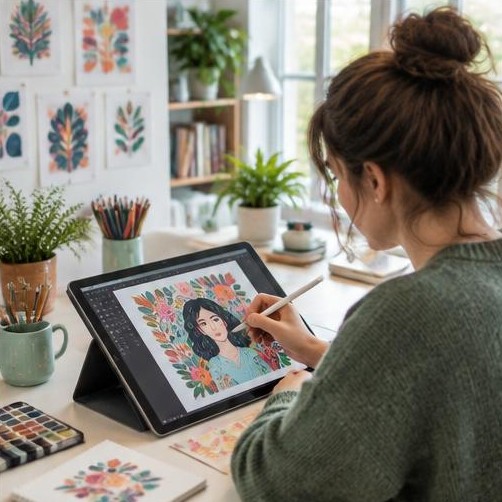
Create a 10-second 9:16 reel showing an adult illustrator turning a rough floral sketch into a finished digital artwork on a tablet. 0–2s: rough sketch close-up. 2–7s: plausible drawing progression and brush strokes. 7–10s: final artwork reveal consistent with [ARTWORK REFERENCE]. Keep hands anatomically accurate, camera movement subtle and interface text unreadable. Include editor-ready overlay lines separately and a caption linking to [PRINT OR DOWNLOAD] through the bio page.

#artist#digital-products#link-in-bio
Jewelry Shop — Order Packing ASMR — Pixalera video promptVideo Prompt

Jewelry Shop — Order Packing ASMR

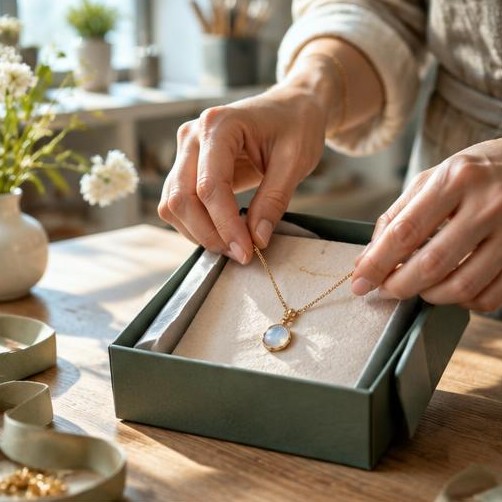
Create a 12-second 9:16 order-packing reel using [JEWELRY PHOTO]. Show the actual necklace placed in tissue, a gift box closing and a ribbon tied, in three clean continuous shots. Preserve metal color and pendant shape across frames. Macro daylight detail, gentle paper and ribbon sounds if audio is supported; otherwise provide sound notes separately. End with the complete package. Write a caption inviting viewers to comment GIFT for the collection link; no fabricated orders, scarcity or shipping guarantees.

#jewelry#ecommerce#auto-dm
Home Baker — Cake Decorating Reveal — Pixalera video promptVideo Prompt

Home Baker — Cake Decorating Reveal

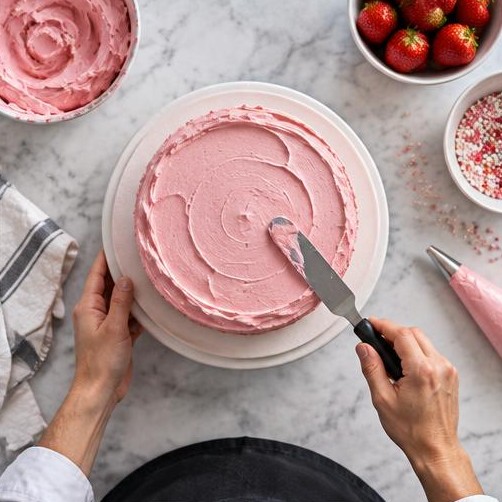
Generate a 12-second vertical cake-decorating reel based on [CAKE REFERENCE]. Open with plain sponge, transition to a close-up of a spatula spreading pink frosting, then reveal the finished cake. Keep size, plate and decoration consistent, realistic hands and frosting movement, bright overhead food lighting. No text embedded in the video. Supply three short overlay lines separately plus a preorder caption with [DATE], [CITY] and [ORDER LINK] placeholders for Pixalera scheduling.
#bakery#preorders#scheduling
Fitness Coach — Saveable Form Tutorial — Pixalera video promptVideo Prompt

Fitness Coach — Saveable Form Tutorial

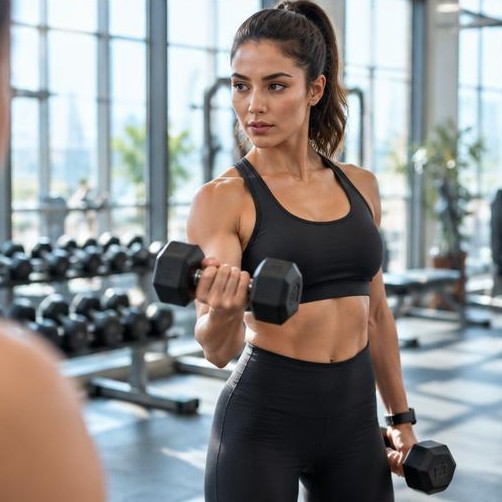
Create a 15-second vertical training tutorial with a qualified adult trainer demonstrating [EXERCISE] using controlled light dumbbells. Start with the setup, then show one safe complete repetition and a side-angle replay. Maintain anatomy and equipment consistency, bright gym lighting, no exaggerated body changes. Provide form cues separately for professional review rather than rendering text. Caption: invite viewers to comment PLAN for [TRAINING RESOURCE], with no promised weight loss or medical advice.

#fitness#coach#lead-magnet
UGC Creator — Camera Kit Reveal — Pixalera video promptVideo Prompt

UGC Creator — Camera Kit Reveal

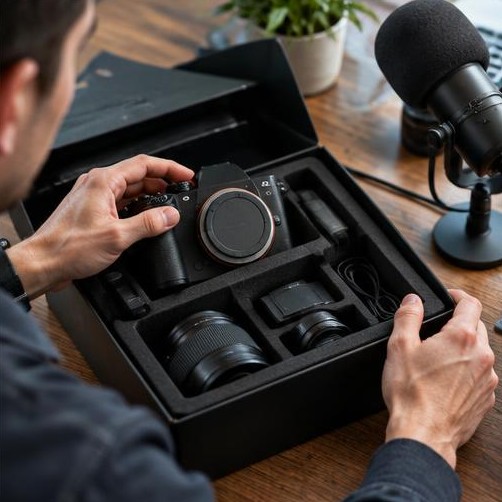
Create a 10-second 9:16 creator equipment reel. 0–3s: hands open a padded camera case. 3–7s: show camera, small light and microphone arranged on a desk. 7–10s: creator checks framing before recording. Preserve [EQUIPMENT REFERENCES], no invented branding or capabilities, natural daylight and smooth close-up camera movement. Include a caption explaining the creator’s [UGC SPECIALTY] and inviting brands to see the portfolio through the bio link, without fake partnership claims.

#ugc#creator#portfolio
Fashion Affiliate — Three Outfit Angles — Pixalera video promptVideo Prompt

Fashion Affiliate — Three Outfit Angles

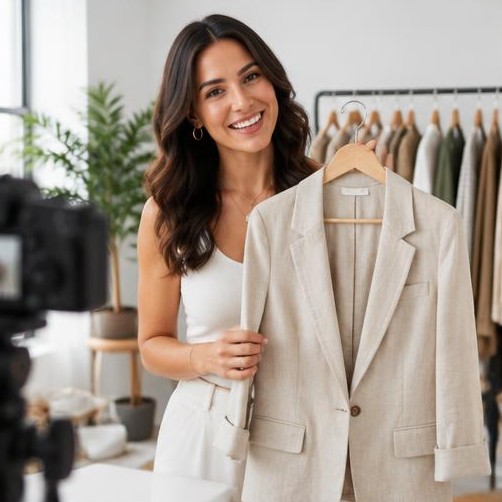
Create a 12-second 9:16 outfit showcase with an adult creator wearing [GARMENT REFERENCE]. Show a front view, a natural walking shot and a close-up of fabric in three continuous scenes. Keep face, garment cut and color consistent; no changing logos or extra accessories. Daylight studio, relaxed motion, realistic fabric. Provide a caption with [SHOP LINK] and a clear affiliate disclosure when applicable, suitable for a Link in Bio product collection. Do not invent a discount.

#fashion#affiliate#link-in-bio
Podcaster — Episode Teaser — Pixalera video promptVideo Prompt

Podcaster — Episode Teaser

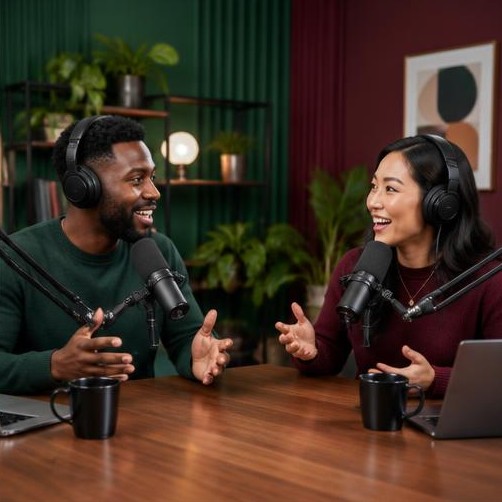
Create a 12-second vertical podcast teaser featuring two adult hosts in a green and burgundy studio. Alternate a wide conversation shot, an attentive reaction and a microphone close-up. Natural expressions, consistent faces, no generated imitation of a real person’s voice. Use [APPROVED AUDIO] if available; otherwise deliver silent visual footage. Provide a caption and editor-ready hook about [EPISODE TOPIC], directing visitors to the episode through the bio link, ready to schedule.
#podcast#creator#scheduling
Small Shop — Weekly Dispatch Story — Pixalera video promptVideo Prompt

Small Shop — Weekly Dispatch Story

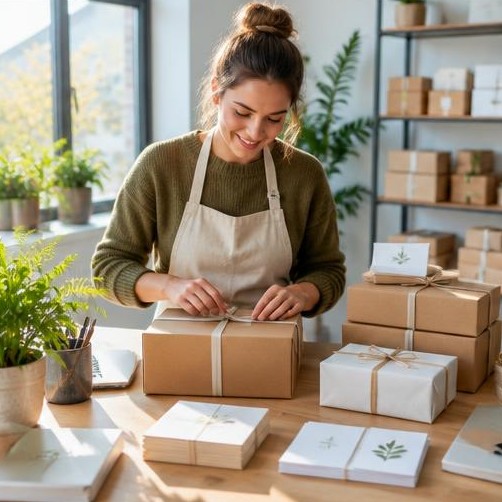
Create a 12-second vertical dispatch-day reel for [SHOP NAME]. Show an owner checking an item, folding tissue, sealing one package and arranging a small row of boxes. Use [PRODUCT REFERENCE], keep contents consistent and do not display customer addresses or order numbers. Bright daylight, tactile close-ups, smooth transitions. Include a caption inviting viewers to comment SHOP for the catalog link via Pixalera Auto-DM; do not invent sales totals, delivery times or stock shortages.

#small-business#orders#auto-dm
Property Agent — Walkthrough Booking Reel — Pixalera video promptVideo Prompt

Property Agent — Walkthrough Booking Reel

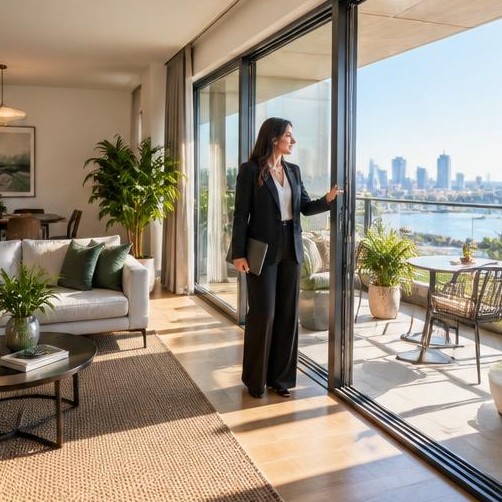
Create a 15-second vertical property walkthrough from [PROPERTY PHOTOS]. Start at the entrance, move through the living area and finish at the balcony. Preserve the actual room layout, windows and visible finishes; do not add amenities or improve the view. Smooth stabilized camera movement, daylight and realistic scale. Provide separate overlay placeholders for [AREA], [LOCATION] and [VERIFIED PRICE]. Include a caption inviting viewers to comment TOUR for the viewing link; no investment return promises.

#real-estate#booking#lead-generation
1980s Retro Bollywood Look — Pixalera photo promptPhoto Prompt

1980s Retro Bollywood Look

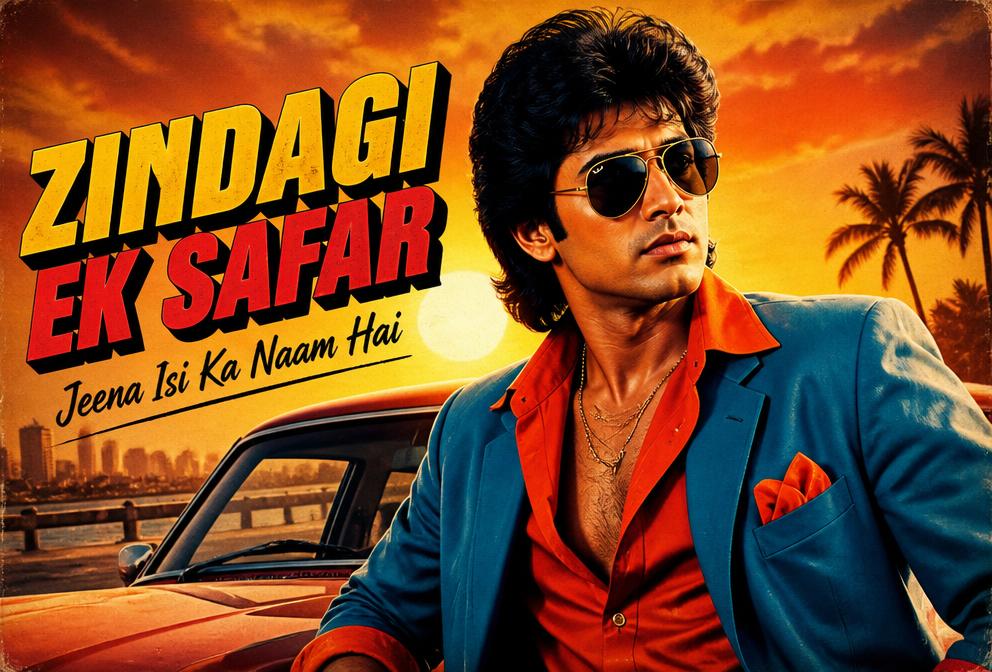
Transform this photo into a 1980s retro Bollywood movie poster style. Vintage film grain, warm golden sunset tones, dramatic side lighting, bold saturated colors, classic Bollywood typography feel, confident pose, cinematic depth of field, 4K ultra detailed.

#retro#portrait#cinematic
Cyber-Glow Noir Portrait — Pixalera photo promptPhoto Prompt

Cyber-Glow Noir Portrait

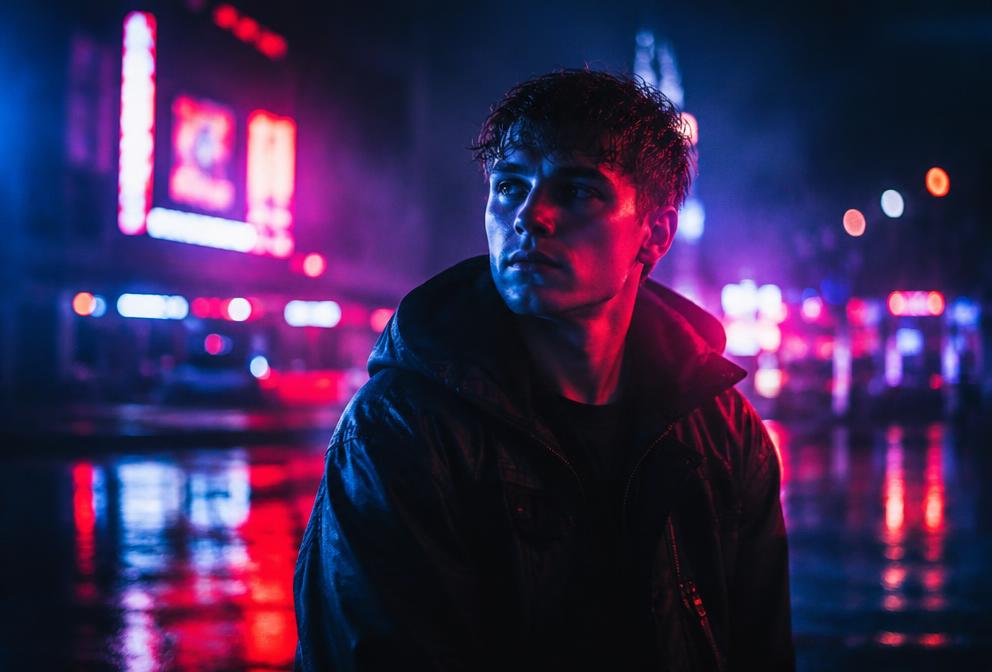
Transform this photo into a cyber-noir portrait: deep blue and magenta neon rim lighting, wet asphalt reflections, soft fog, dramatic shadows across the face, cinematic 35mm film look, shallow depth of field, moody futuristic city bokeh in the background, ultra detailed, 4K.

#neon#portrait#cinematic
Y2K Retro Flash Look — Pixalera photo promptPhoto Prompt

Y2K Retro Flash Look

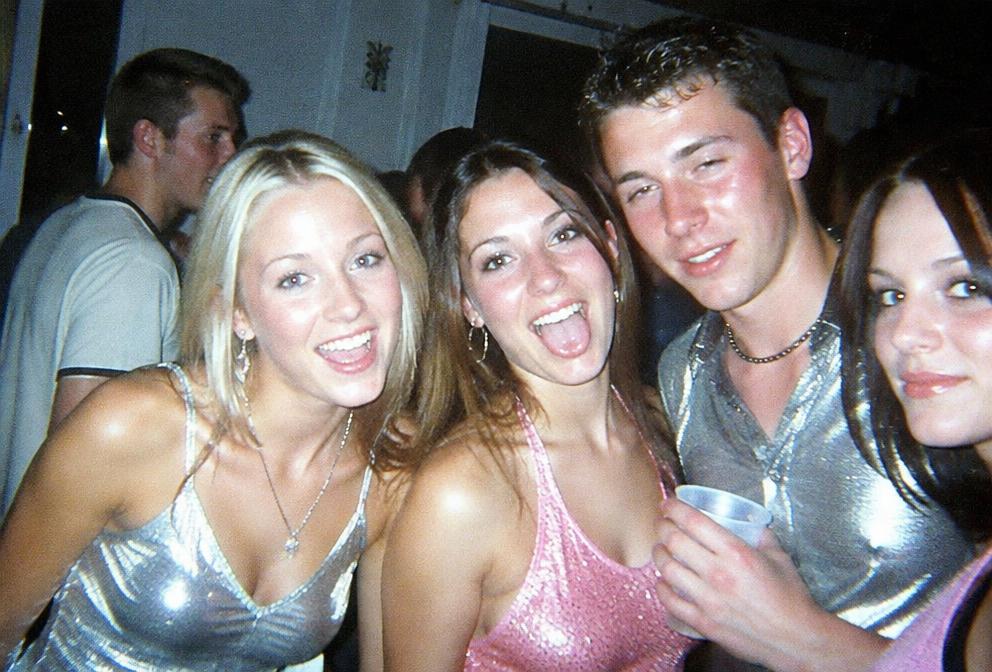
Edit this photo into an early-2000s Y2K style shot: harsh direct on-camera flash, slightly overexposed skin, glossy highlights, dark party background, faint CCD camera grain, silver and baby-pink tones, candid paparazzi energy, authentic digicam aesthetic.

#y2k#retro#flash
Scrapbook Collage Edit — Pixalera photo promptPhoto Prompt

Scrapbook Collage Edit

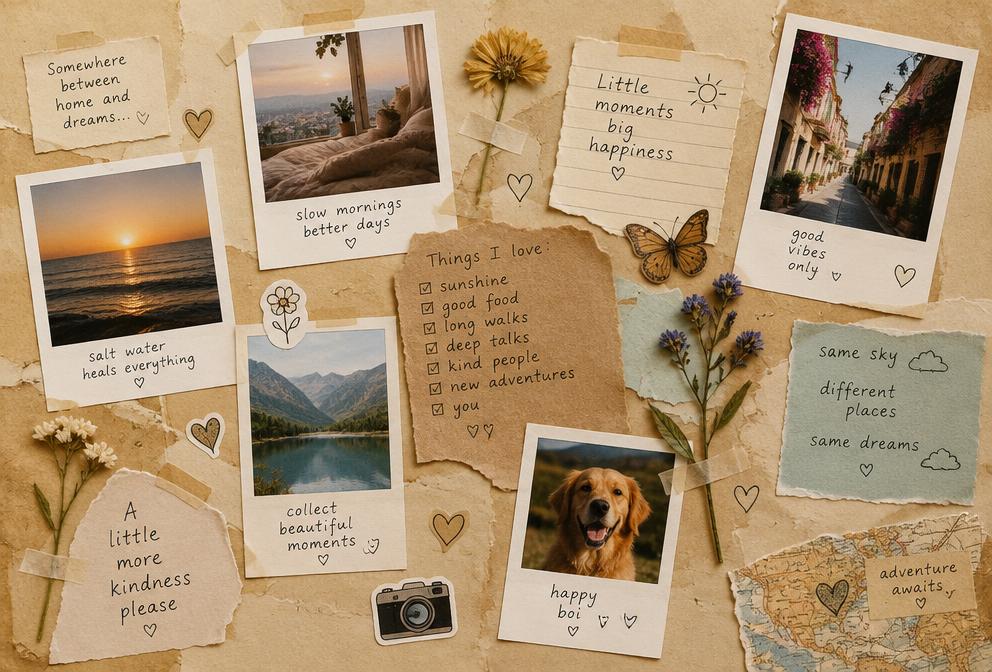
Turn this photo into a handmade scrapbook collage: torn paper edges, taped polaroid frames, doodle stickers, handwritten captions, pressed flowers, warm beige paper background, mixed-media textures, soft natural lighting, cozy journal aesthetic, high resolution.

#collage#aesthetic#trend
Cinematic Rain Street — Pixalera photo promptPhoto Prompt

Cinematic Rain Street

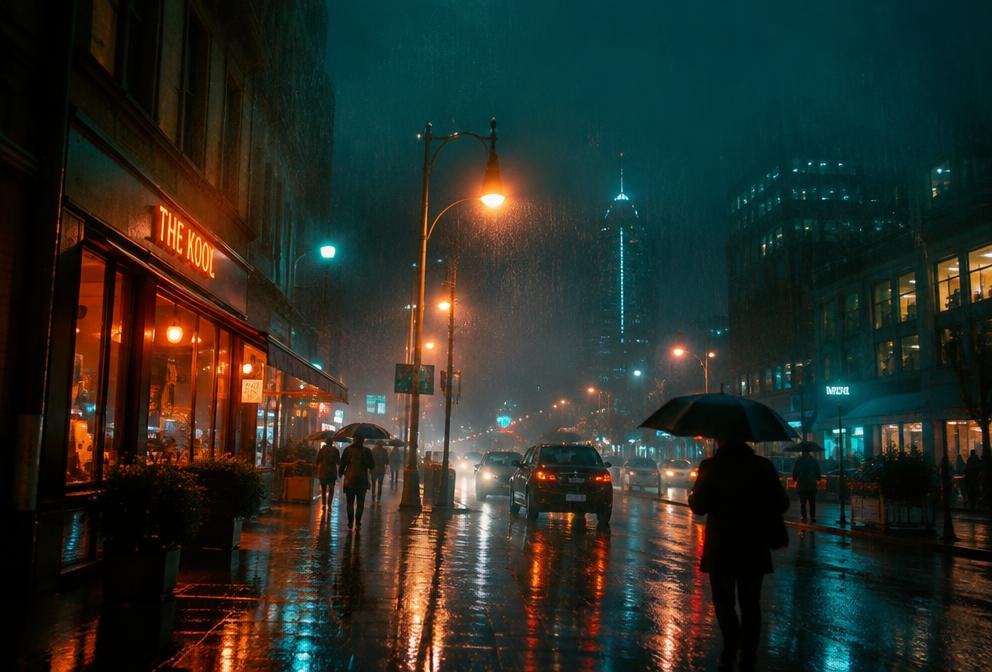
Transform this photo into a cinematic rainy street scene: visible raindrops frozen mid-air, glowing streetlights and shop signs reflecting on wet pavement, teal and orange color grade, light mist, umbrella silhouettes in the distance, movie-still composition, 4K detail.

#rain#cinematic#street
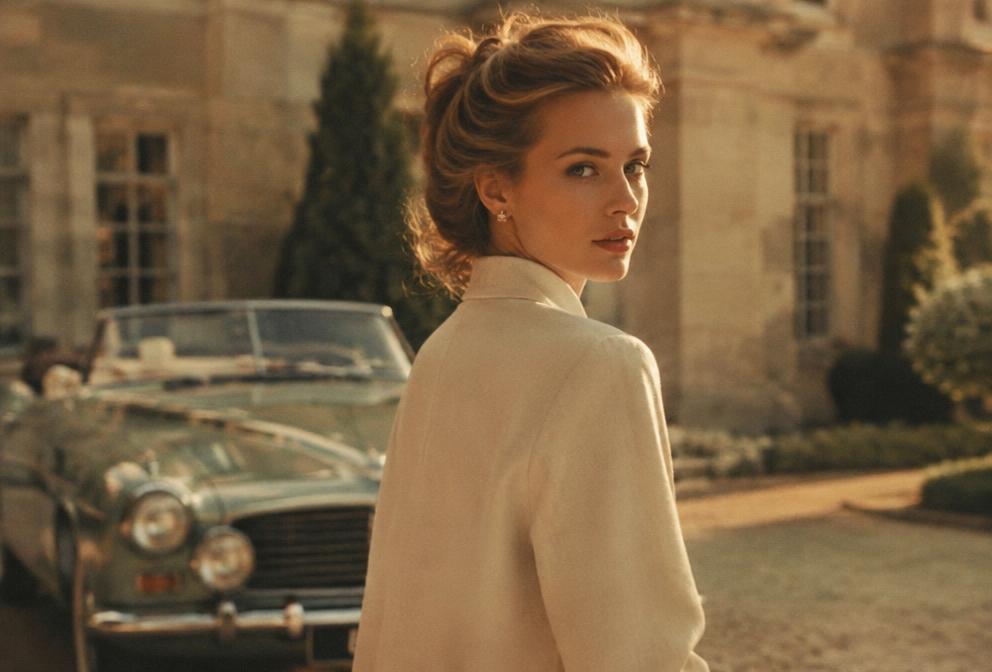
Old-Money Aesthetic Portrait — Pixalera photo promptPhoto Prompt

Old-Money Aesthetic Portrait

Edit this photo into an old-money aesthetic portrait: soft golden afternoon light, cream and beige palette, elegant estate or vintage car background, film photography grain, understated luxury styling, timeless editorial magazine look, muted warm tones, 4K.

#oldmoney#luxury#portrait
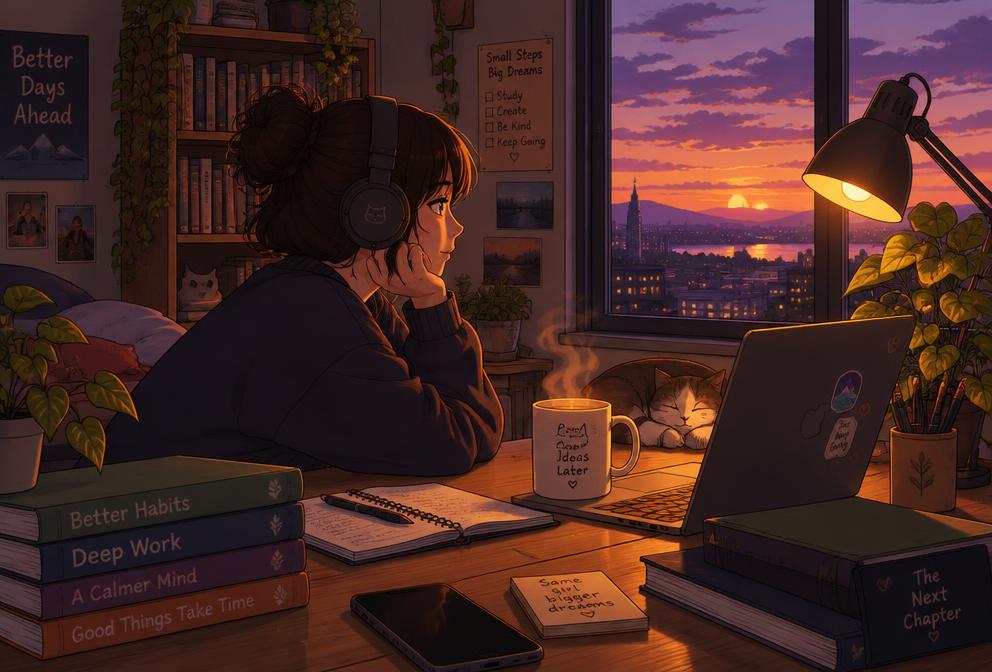
Lofi Dusk Desk Scene — Pixalera photo promptPhoto Prompt

Lofi Dusk Desk Scene

Transform this photo into a lofi dusk scene: warm desk lamp glow, purple-orange sunset through the window, soft anime-inspired shading, steam rising from a mug, plants and books around, calm study-evening mood, gentle grain, cozy illustration-meets-photo style.

#lofi#cozy#aesthetic
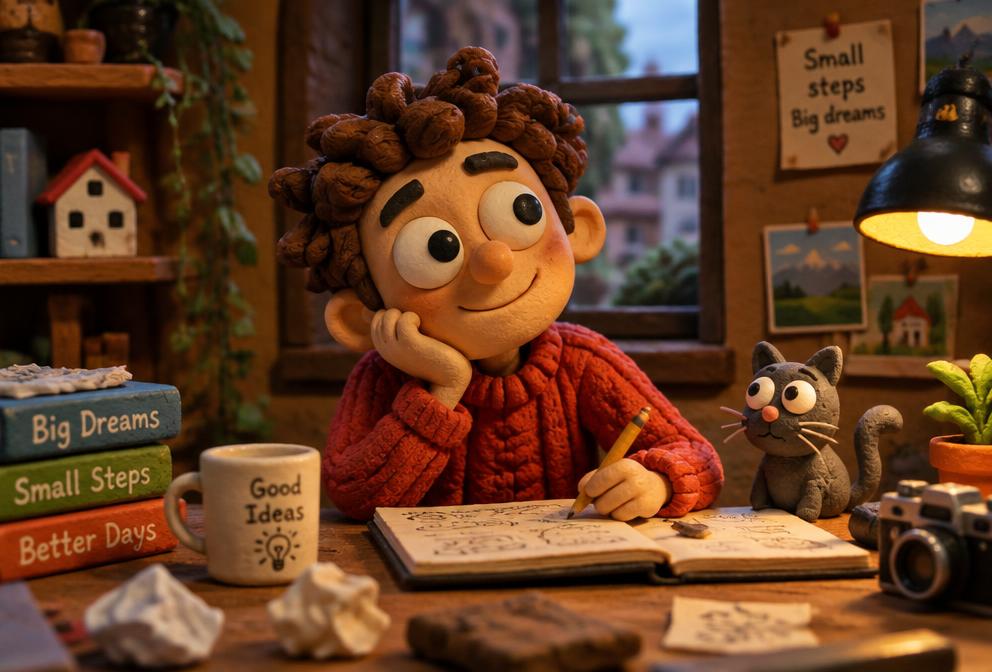
Claymation Character Style — Pixalera photo promptPhoto Prompt

Claymation Character Style

Turn the person in this photo into a handmade claymation character: soft plasticine textures, slightly imperfect fingerprints in the clay, big expressive features, miniature set background with tiny props, warm studio lighting, stop-motion movie still, charming and playful.

#claymation#fun#trend
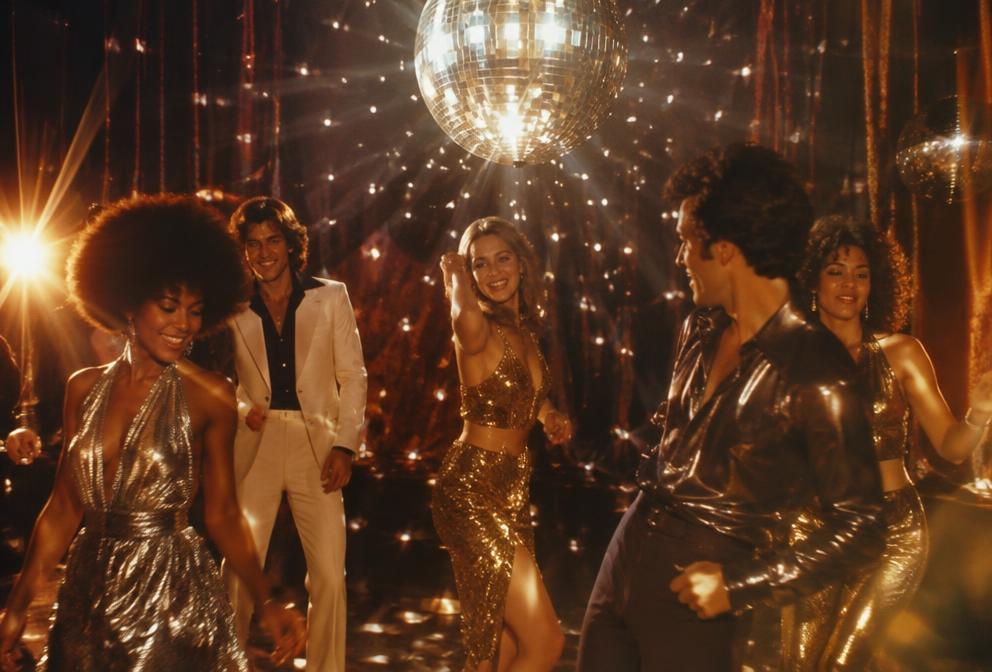
Disco Transformation Portrait — Pixalera photo promptPhoto Prompt

Disco Transformation Portrait

Transform this photo into a 70s disco glam portrait: sparkling mirror-ball light dots across the scene, metallic silver and gold tones, glossy skin highlights, dramatic lens flare, velvet background, confident dance-floor energy, retro-futuristic studio portrait, ultra sharp.

#disco#glam#party
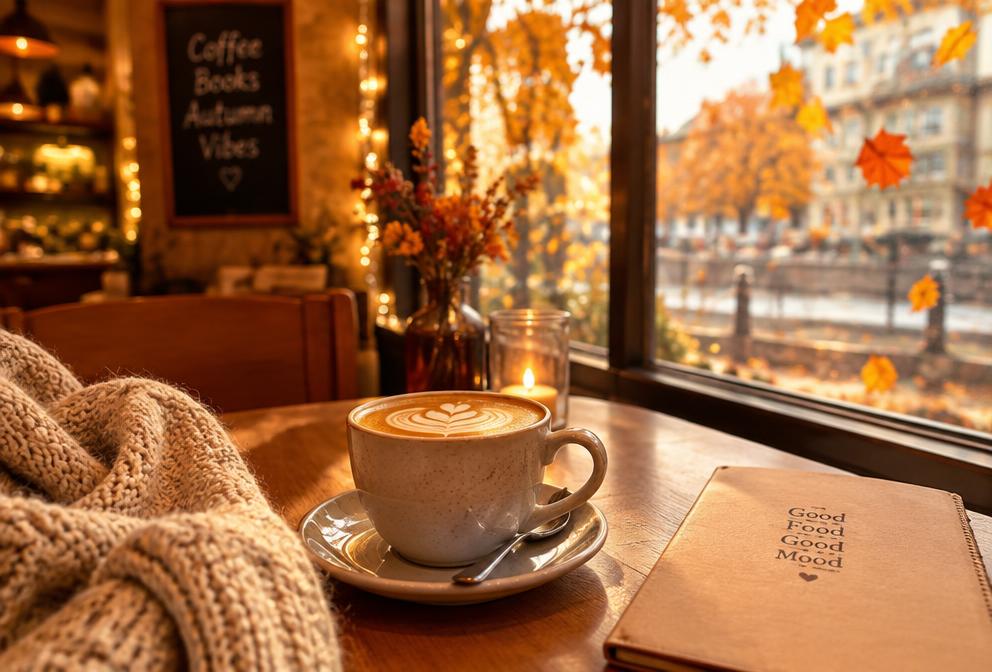
Cozy Autumn Café Edit — Pixalera photo promptPhoto Prompt

Cozy Autumn Café Edit

Edit this photo into a cozy autumn café scene: warm amber tones, falling orange leaves outside the window, soft bokeh fairy lights, a cup of coffee with latte art on the table, knitted sweater textures, gentle morning light, inviting seasonal mood, high detail.

#autumn#cozy#cafe
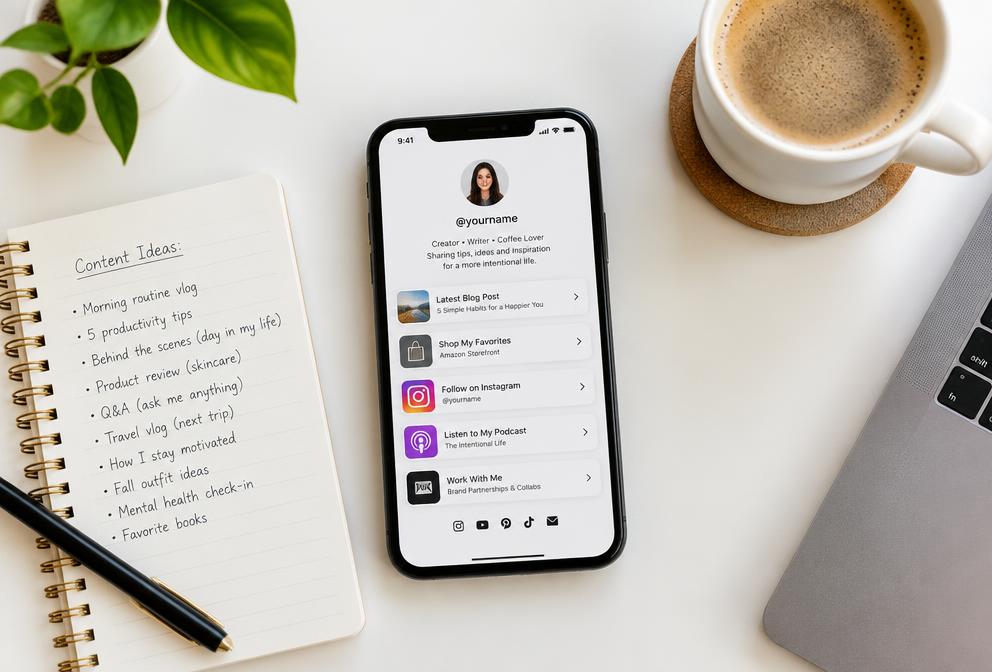
Creator Workspace — Link in Bio Theme — Pixalera photo promptPhoto Prompt

Creator Workspace — Link in Bio Theme

Create a clean top-down photo of a content creator's workspace: smartphone showing a link-in-bio page with neatly stacked link cards, notebook with content ideas, coffee cup, soft daylight, minimal desk styling — perfect hero image for a creator tools website, bright and professional, 4K.

#creator#workspace#pixalera
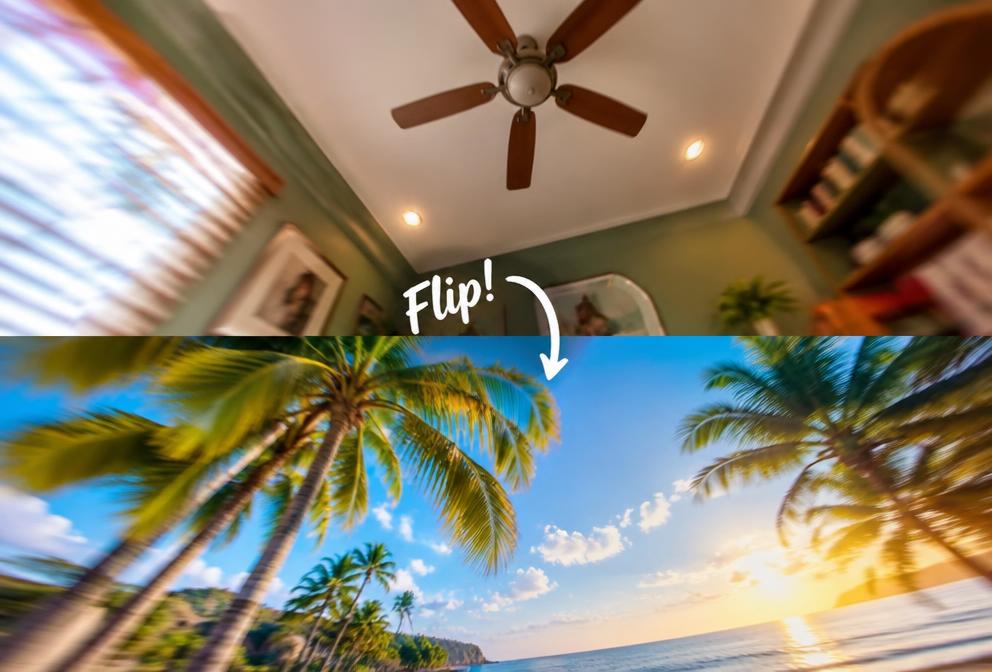
Ceiling-Flip Transition Reel — Pixalera video promptVideo Prompt

Ceiling-Flip Transition Reel

Create a short vertical reel: the camera tilts up to the ceiling, then flips down into a completely different location and outfit. Seamless whip transition on the flip, upbeat music sync, 9:16, crisp motion, trending Instagram transition style.

#transition#reel#trend
Beat-Sync Outfit Change — Pixalera video promptVideo Prompt

Beat-Sync Outfit Change

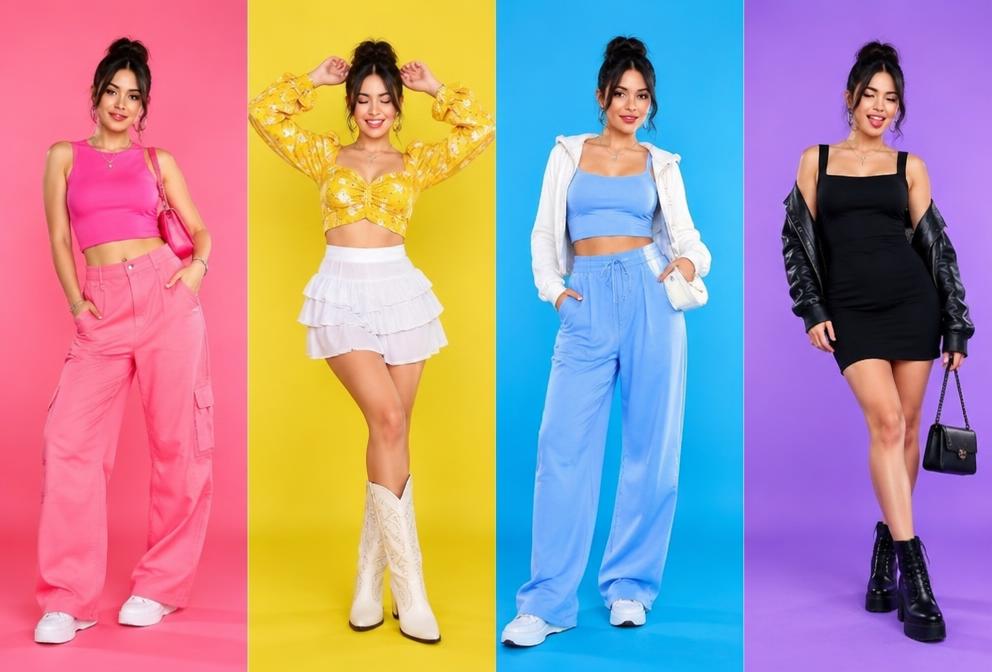
Generate a vertical fashion reel: the creator snaps fingers on each beat and the outfit instantly changes — 4 looks total. Locked-off camera, identical framing between cuts, sharp beat-synced transitions, bright studio lighting, 9:16, high-energy editing style.

#fashion#beatsync#reel
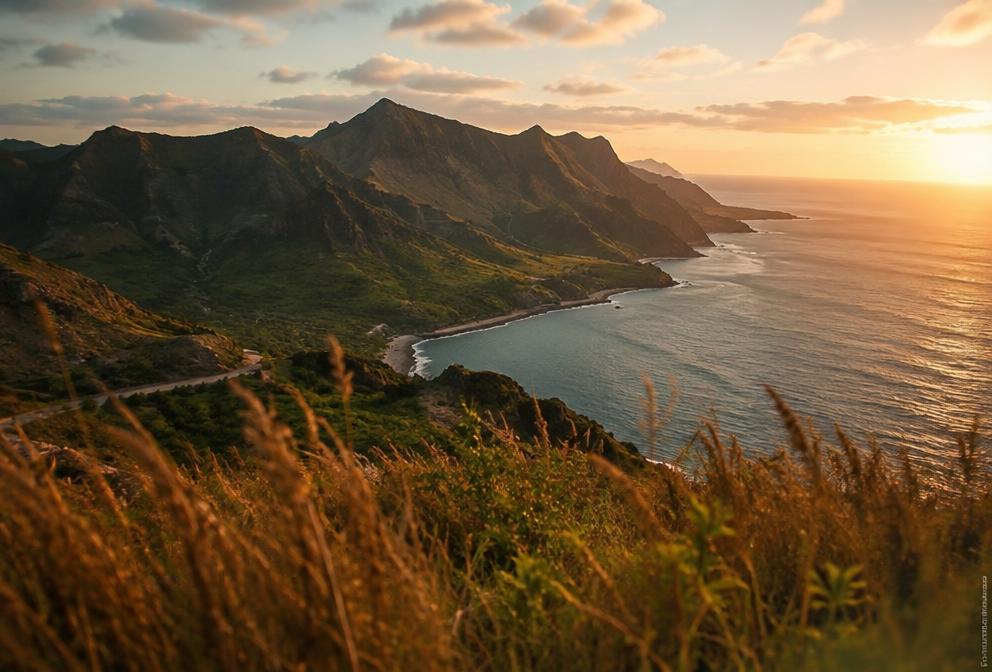
Cinematic Drone Reveal — Pixalera video promptVideo Prompt

Cinematic Drone Reveal

Create a cinematic drone shot: start low behind tall grass or a wall, then rise smoothly to reveal a stunning landscape at golden hour — mountains, coastline or city skyline. Slow orchestral build, natural color grade, smooth gimbal motion, 4K travel-film look.

#drone#cinematic#travel
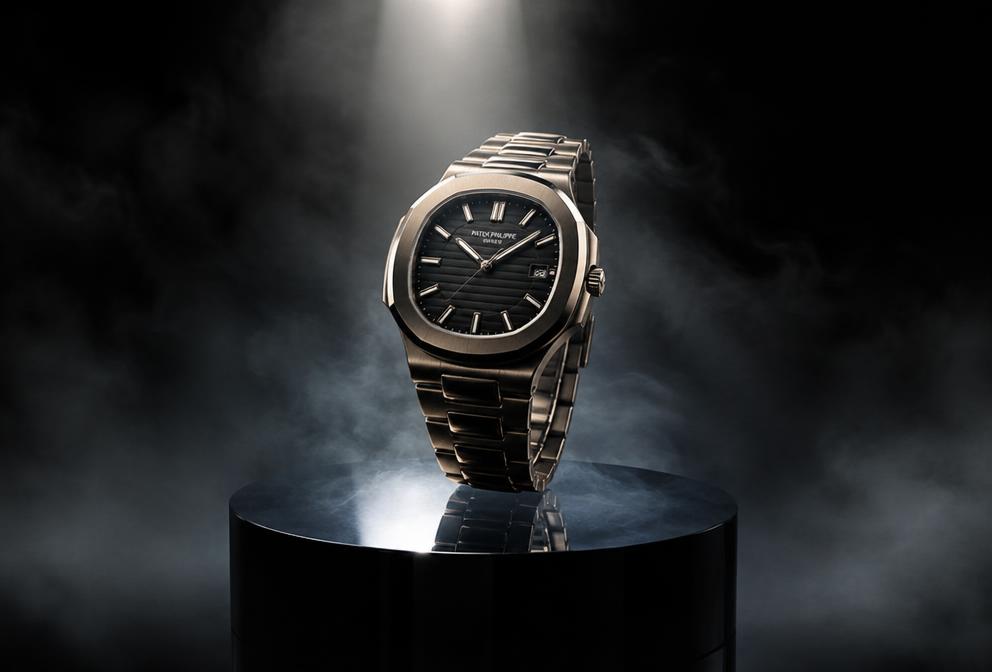
Luxury Product Spin — Pixalera video promptVideo Prompt

Luxury Product Spin

Generate a premium product video: the product rotates slowly on a glossy black pedestal, dramatic spotlight from above, fine mist or silk fabric drifting in the background, macro detail close-ups, elegant slow motion, high-end commercial style, seamless loop.

#product#luxury#ad
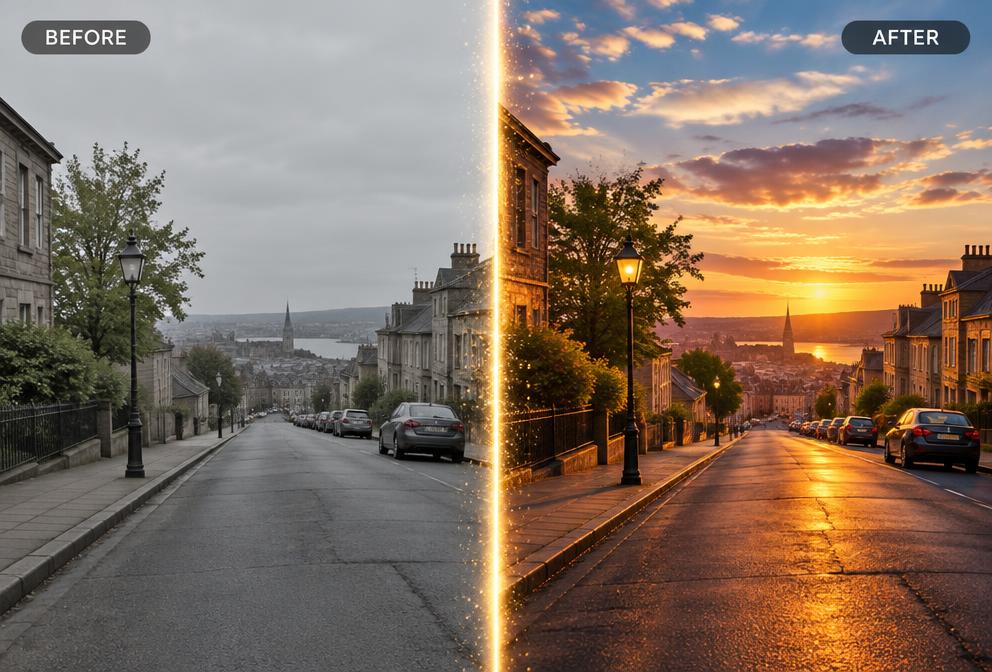
AI Studio Before/After Edit — Pixalera video promptVideo Prompt

AI Studio Before/After Edit

Create a satisfying before/after video: show the original plain photo on the left, then a smooth wipe reveals the AI-edited cinematic version on the right. Add a subtle sparkle on the wipe line, clean split-screen layout, 9:16, perfect for showcasing an AI photo studio tool.

#aiedit#beforeafter#pixalera
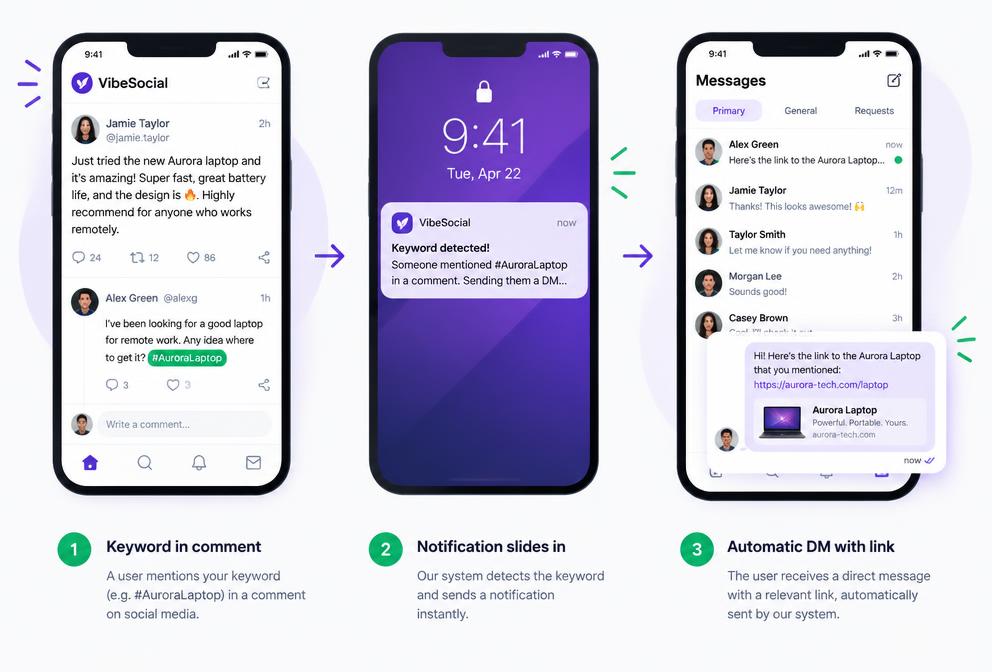
Comment-to-DM Automation Demo — Pixalera video promptVideo Prompt

Comment-to-DM Automation Demo

Create a short screen-style video: a viewer comments a keyword on an Instagram post, a phone notification slides in, and an automatic DM with a link instantly arrives in their inbox. Clean UI mockups, smooth motion graphics, 9:16 — ideal for explaining comment-to-DM automation for creators.

#autodm#demo#pixalera
Content Week Timelapse — Pixalera video promptVideo Prompt

Content Week Timelapse

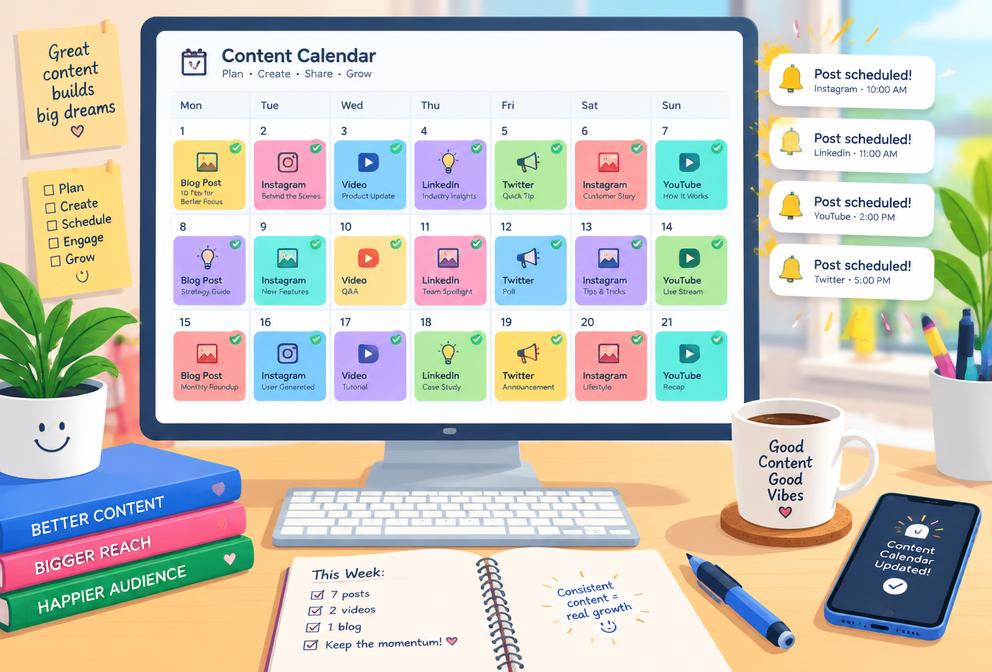
Generate a fast timelapse video: a content calendar fills up day by day with posts, reels and stories, then notifications pop as each post auto-publishes on schedule. Bright desk setup, satisfying motion, upbeat lo-fi music feel, 9:16 — shows the power of scheduling content in advance.

#scheduling#creator#pixalera
POV Hook Reel — Pixalera video promptVideo Prompt

POV Hook Reel

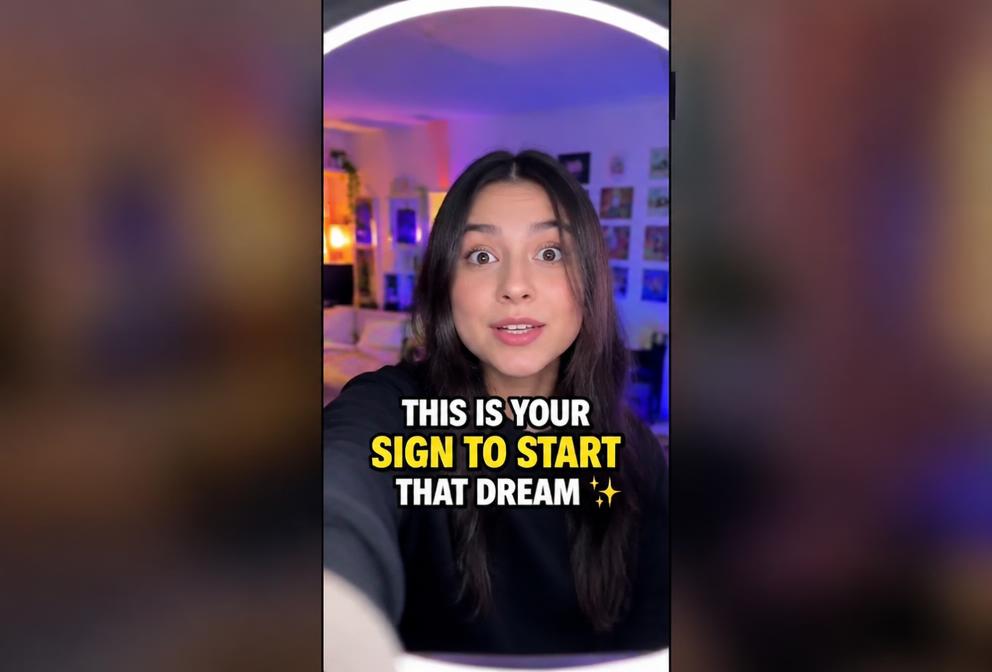
Create a POV-style reel that opens with a bold on-screen text hook in the first second, then cuts to the creator speaking directly to camera with quick jump cuts every 2 seconds. Handheld energy, captions synced to speech, 9:16, designed to stop the scroll instantly.

#pov#hook#reel
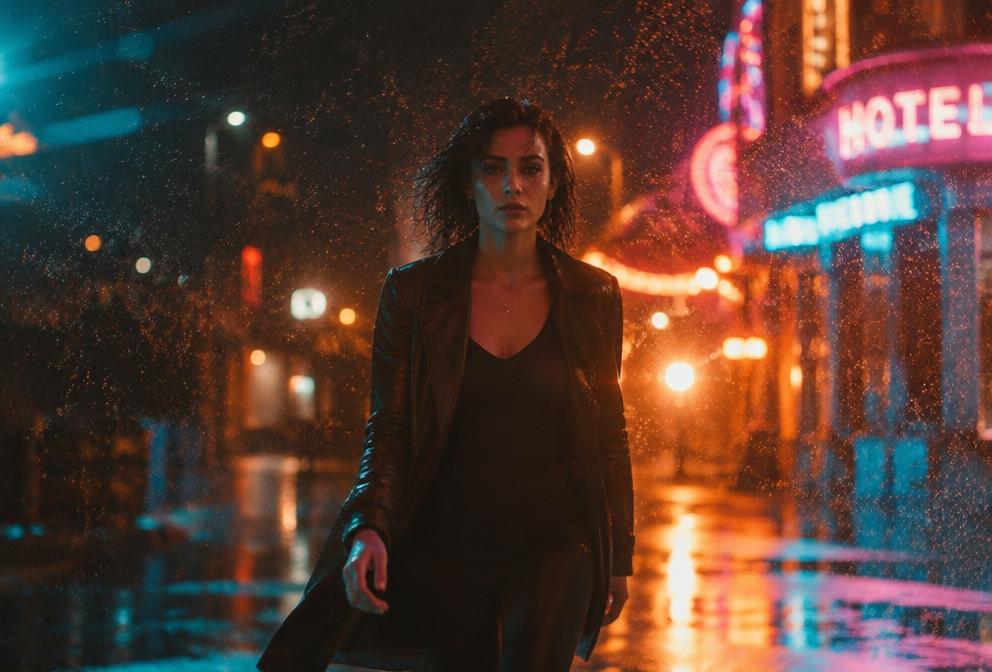
Slow-Motion Rain Walk — Pixalera video promptVideo Prompt

Slow-Motion Rain Walk

Generate a cinematic slow-motion clip: the subject walks toward camera through light rain at night, neon signs glowing behind, droplets sparkling in the backlight, coat flowing, 120fps slow motion, moody teal-orange grade, emotional music swell, vertical 9:16.

#slowmo#cinematic#mood
Travel Montage — Text to Video — Pixalera video promptVideo Prompt

Travel Montage — Text to Video

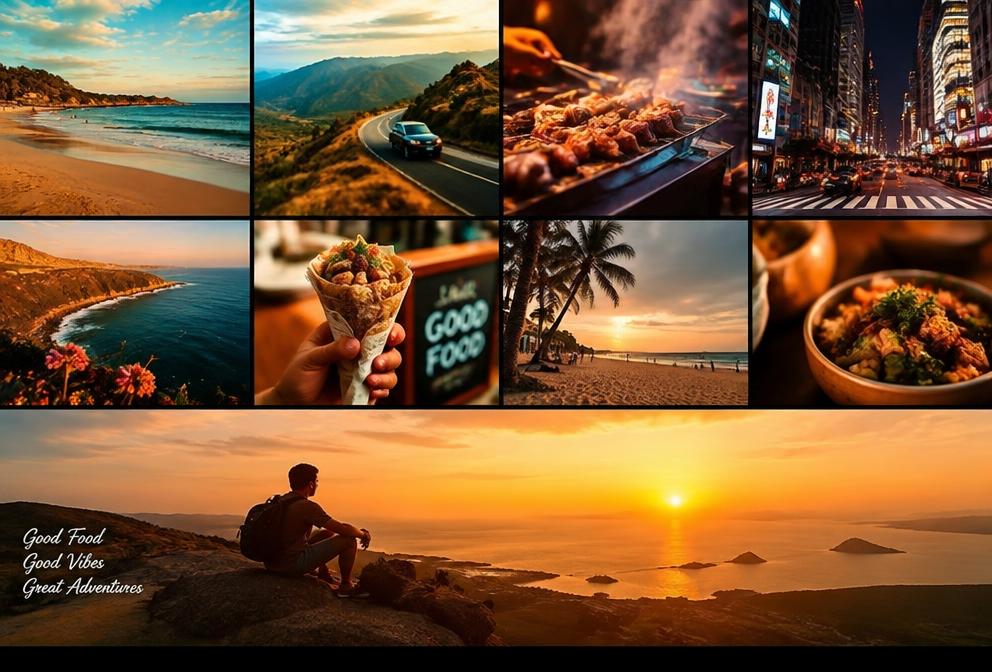
Create a 10-second travel montage: rapid cinematic cuts of beaches, mountain roads, street food and city lights, each clip matching the beat, warm sunset color grade, smooth speed-ramps between scenes, ending on a wide golden-hour shot with space for a title, 9:16 vertical.

#travel#montage#aivideo

Frequently asked questions

What is the Pixalera Prompt Library?
The Pixalera Prompt Library is a free collection of AI photo and video prompts you can copy and use to create trending content. New prompts are added regularly, and every prompt can be copied in one click.
Are Pixalera prompts free to use?
Yes. Every Pixalera prompt is free to copy and use in any AI photo or video tool — no signup, no watermark and no usage limits.
How do I use a prompt?
Open any prompt, tap "Copy prompt", then paste it into your favourite AI photo editor or video generator. You can also download the prompt as a file or share a direct link to it.